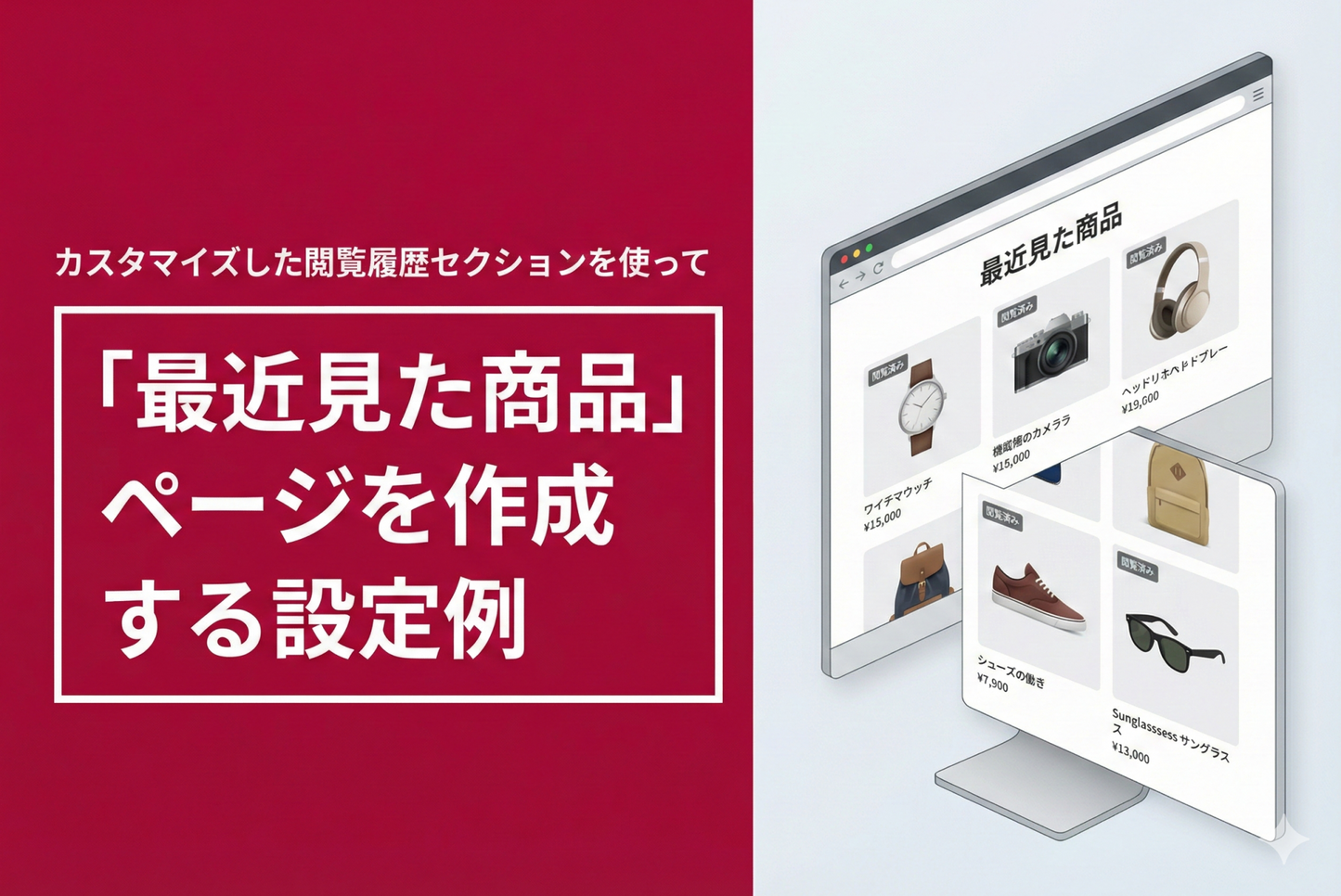
You can also implement a "Recently Viewed Products" page using the "Browse History Section" implemented in the Shopify theme "Dawn/Rise." Here is an example of how to set it up.
Example of how to create a "Recently Viewed Products" page using a customized browsing history section in the Shopify theme "Rise/Dawn".

[(For the Rise/Dawn theme) Setup method ①] Create a page template "recently-viewed", add a page, and set it as the template

[(For Rise/Dawn Themes) Setup Method 2] Add a "Viewing History Section" to the page template "recently-viewed"

[(For Rise/Dawn Themes) Setup Method 3] Add the "Recently Viewed Products" page you created to the header menu