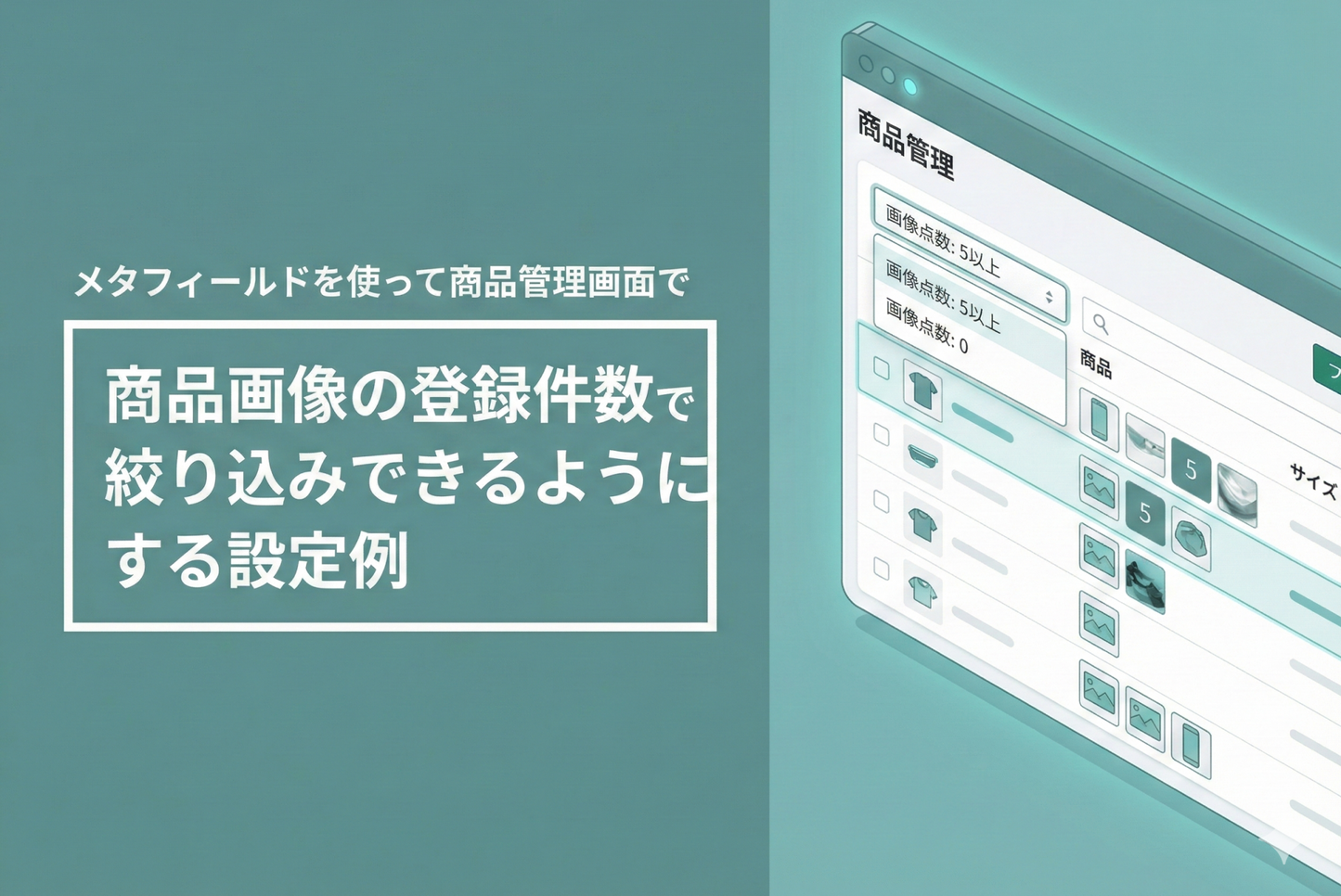
Product images are an important factor that influences purchasing desire, but when the number of products increases, it can be surprisingly time-consuming to find products with fewer images.
Here is an example of how to set up the product management screen so that you can narrow down your search by the number of images of the product.
◆What this setting can solve: ・Identify products with few images in one go ・Improve product management efficiency
◆ Implementation steps ① Setting product metafields ・Create a new "Product image count" ② Create a Flow ・Trigger: Select "Product status updated" ・Action: Set up automatic counting of product images
◆Tips for Use: Set the Grand Prize winning product to "Draft → Published" status and intentionally move the Flow.
You can then use the filter to narrow down your search by number of images.
Example of setting up a metafield to allow filtering by the number of registered product images on the product management screen

[Setting Method 1] Add the definition of the product metafield "Product Image Count" (note that the format is "single line text" and not "integer")

[Setup Method 2] Create a Flow that updates the product metafield created in Step 1 with the "Product status updated" trigger.

[How to use] Update the metafield values by changing all products to "Draft" and then "Published". Then, add a filter to narrow down the products to the desired number of images.