![[Horizon] Display Collections in Ranked Format - Thumbnail](http://store-dojo.com/cdn/shop/files/2026-03-17_en.png?v=1773747613&width=1946)
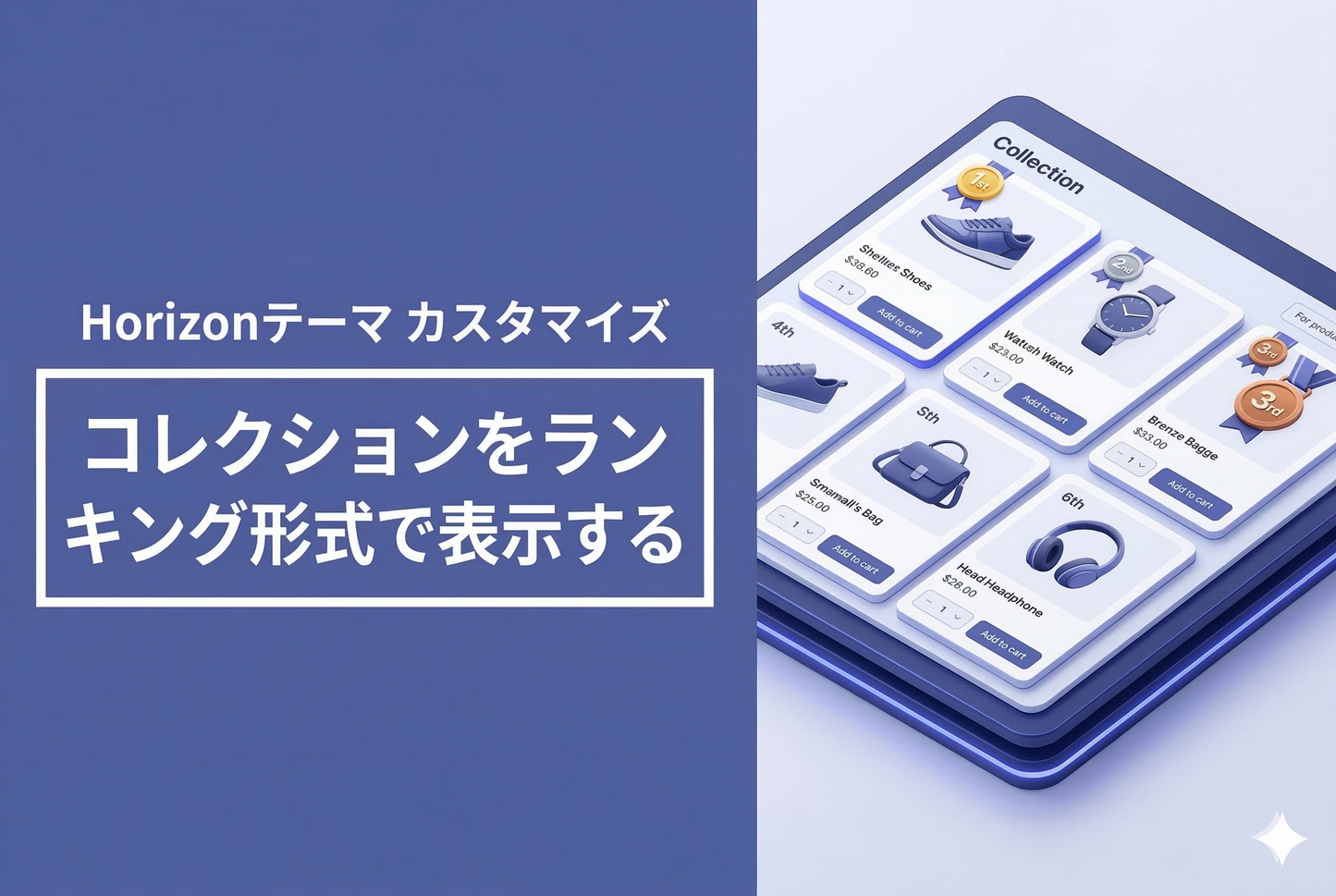
A customization to display products in a ranked format (1st, 2nd, 3rd...) on collection pages using the Horizon theme. No theme file editing is required — just paste the code into a custom Liquid section. It supports both pagination and same-page loading ("Load more" button).
Desktop and mobile display examples
Ranking number badges are displayed at the top-left of each product image. The top 3 are color-coded for emphasis.

Setup: Add a custom Liquid section to the collection template
Simply add a "Custom Liquid" section to the collection template in the theme editor and insert the code. No vendor files (original theme files) need to be modified.

How it works
CSS counters are used to automatically assign ranking numbers. For paginated pages, JavaScript reads the page parameter from the URL and adjusts the counter start value for pages 2 and beyond. For same-page loading ("Load more" button, etc.), CSS counters naturally increment, so no additional JS is needed.
Limiting rankings to specific collections
By duplicating the collection template with a name like "ranking" and assigning it only to the collections you want ranked, you can display rankings on specific collections without affecting all of them.
A similar TIPS for Dawn is available here. For Horizon, this customization follows the approach described in this blog post, achieving the result without modifying any original theme files.