![[Horizon] Set width ratios per column — EN thumbnail](http://store-dojo.com/cdn/shop/files/2026-04-18_en.png?v=1776575895&width=1946)
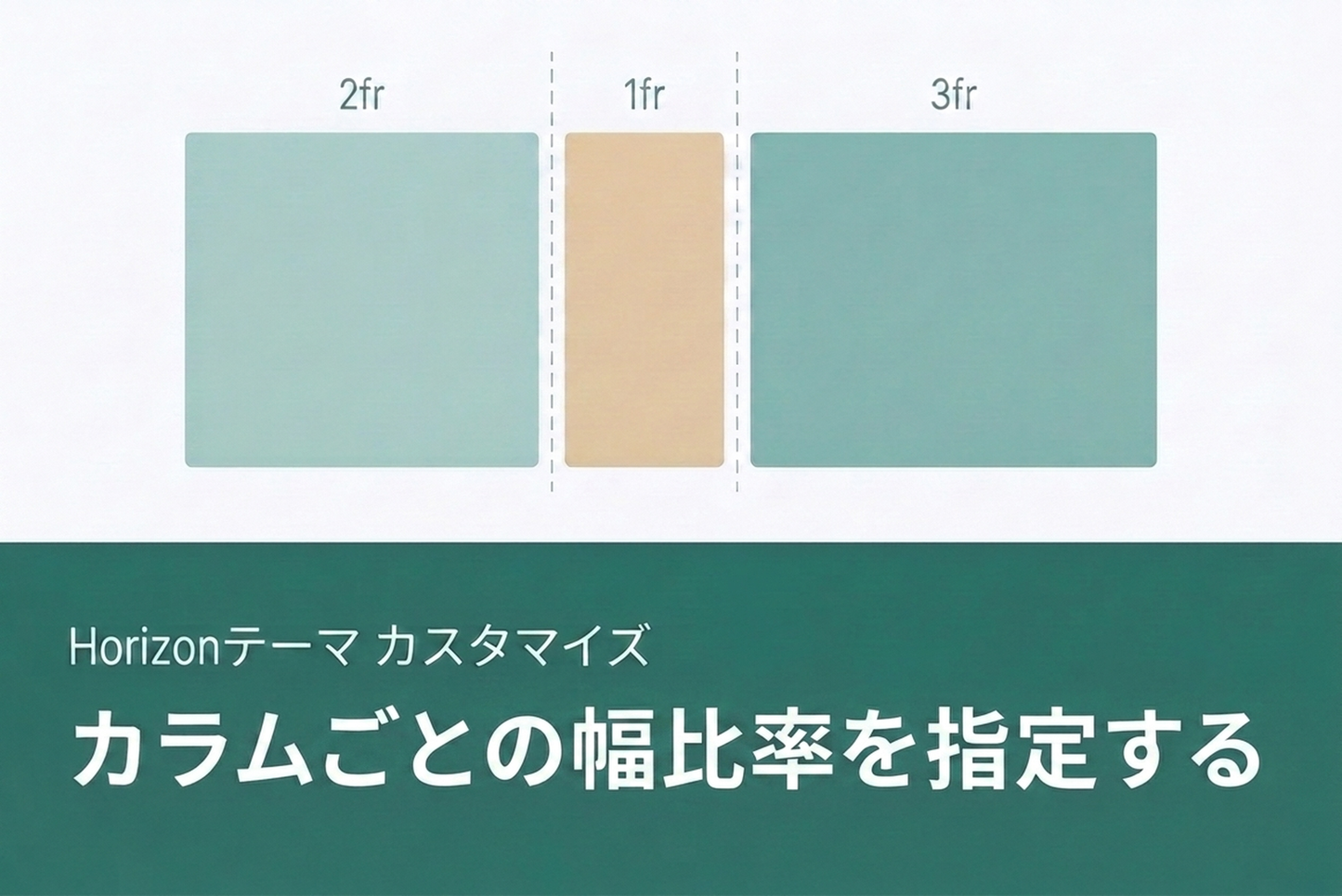
This TIPS shows how to add a custom column layout block (blocks/column.liquid and snippets/column.liquid) to the Horizon theme that lets you set individual column width ratios. The standard group block doesn't support width ratios directly, but with this block you can choose from 13 presets or enter custom ratios in the theme editor. No changes to existing files required.

Preset layouts
13 presets covering 1 to 6 columns, plus custom ratio input. Desktop and mobile layouts are configured independently, so you can easily switch from side-by-side on desktop to stacked on mobile.


Block implementation
blocks/column.liquid defines the schema (column ratio presets, gap, appearance settings) and collects child blocks, while snippets/column.liquid generates the grid-template-columns value for CSS Grid. Styles are scoped, so multiple instances on the same page don't interfere with each other.