
![[Horizon] Add a FAQ accordion to the cart drawer and cart page thumbnail](http://store-dojo.com/cdn/shop/files/2026-05-03_en.png?v=1777711498&width=1946)
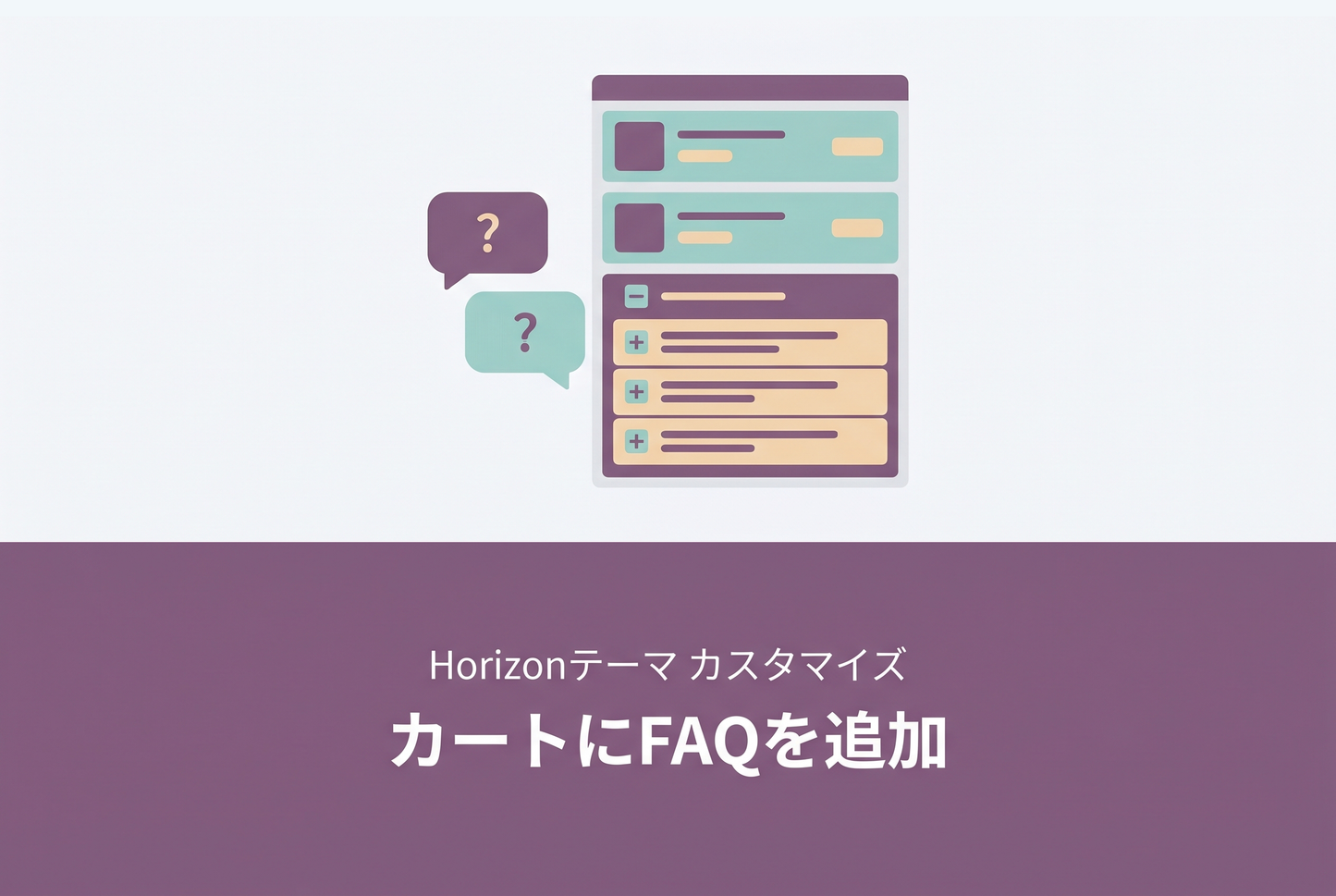
An example of adding a FAQ accordion to the cart drawer and cart page in the Horizon theme. No theme file edits required — just paste a single Custom Liquid section into the Theme Editor. Theme updates won't break this customization.
Result
A "Frequently Asked Questions" accordion appears alongside the existing "Order note" and "Discount" rows. Borders integrate naturally with the existing frame, and JavaScript injects a synthetic frame when both note and discount are disabled, so borders never disappear.

Opening the outer accordion reveals nested Q&A items inside. The expanded height is capped at 40% of the viewport (or 360px), so cart items remain visible even on small phones.

How it works — Handling the Section Rendering API
Horizon re-renders the cart drawer via the Section Rendering API each time a cart item is added, removed, or updated. Naively injected DOM elements would get wiped on every cart update. This TIPS uses a scoped MutationObserver on cart-drawer-component and cart-items-component, plus the official cart:update event, to automatically re-inject the FAQ after every re-render. The same script works on the cart page (/cart) as well.
Adding or editing Q&A
Each Q&A is a 4-line <details class="cart-faq__item"> block. Copy and paste to add or remove items.

Setup
◆ STEP 1
Open the Theme Editor and add a "Custom Liquid" section to the header group.
◆ STEP 2
Paste the entire sample code into that section.
◆ STEP 3
Verify the FAQ appears in the cart drawer and on the cart page.
Related TIPS
For more cart customization ideas:
[Horizon] Free shipping progress bar in the cart


![[Horizon] Add a FAQ accordion to the cart drawer and cart page thumbnail](http://store-dojo.com/cdn/shop/files/2026-05-03_en.png?v=1777711498&width=533)


