

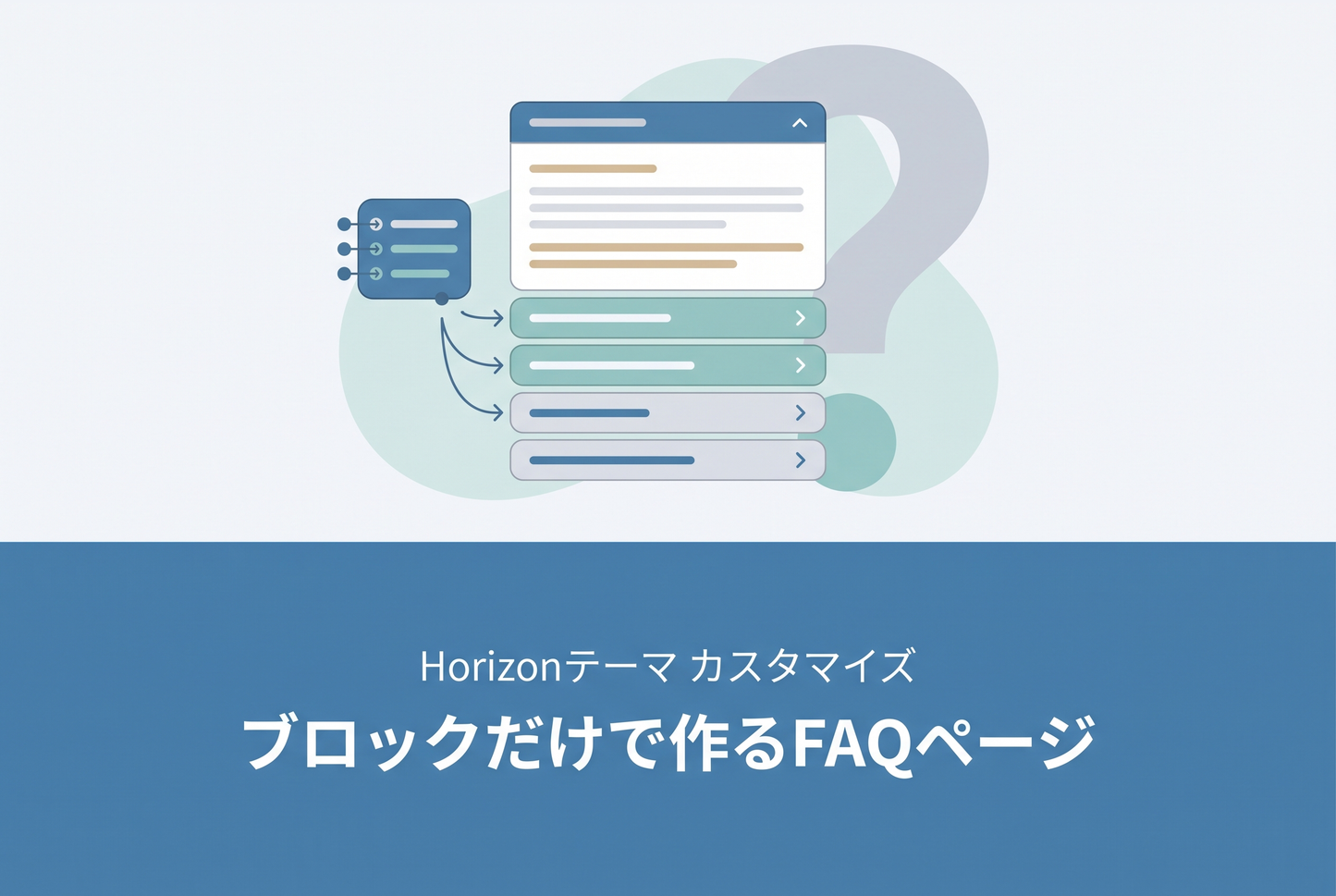
How to build a categorized FAQ page in the Horizon theme using only standard blocks and sections — with no theme code edits. Accordion × grouping × in-page anchor links (jump from a TOC to each category) are realized purely through templates/page.faq.json block configuration.

How it works
Inside the main-page section, place a "Table of contents" plus 5 categories. Each category is a group block containing a heading (text / h2) and an accordion with 4 Q&A rows (_accordion-row). The TOC sits in a leading group block holding 5 button blocks. Each button uses style: link and a URL of #faq-xxx. The anchor target for each #faq-xxx is a custom-liquid block placed just before the corresponding category, containing <span id="faq-xxx">.

1. TOC buttons → anchor targets
Horizon's standard blocks don't expose a "custom ID" field, so we use a custom-liquid block containing one line — <span id="faq-xxx" class="faq-anchor"></span> — as the anchor marker. The TOC button's link URL accepts #faq-xxx directly. Horizon already declares html { scroll-behavior: smooth } in assets/base.css, so smooth scrolling works without any added CSS.

2. Grouping the 5 categories
One category = one group block. Inside it, place a text (h2) for the category heading, followed by an accordion block with 4 rows of Q&A. The accordion uses plus icons and enables row dividers for clarity.

Gotchas
◆ Color scheme pitfall
If you assign color_scheme: scheme-2 to the TOC group, the link-styled buttons will turn white on hover and become invisible. Horizon's .link style uses color: var(--color-primary-hover) on hover, and scheme-2's primary_hover is #ffffff. Switch to scheme-3 (or any scheme with a dark primary_hover) to fix it.
◆ Sticky header offset
With a sticky header, the anchor target sits underneath the header. Add one shared custom-liquid block at the top with <style>.faq-anchor { scroll-margin-top: 100px; }</style> to compensate (skip it if your header is not sticky).
Steps
◆Step 1: Create the page
In Shopify admin → Sales channels → Online Store → Pages, create a new page (e.g. "FAQ").
◆Step 2: Assign the template
In the theme editor, create a new page.faq template and assign it to the page above.
◆Step 3: Configure blocks
In the template, lay out the blocks per the structure map above. After purchase, paste the bundled templates/page.faq.json directly into your theme's code editor (or GitHub-connected theme) for instant reproduction.
![[Horizon] Add a FAQ accordion to the cart drawer and cart page thumbnail](http://store-dojo.com/cdn/shop/files/2026-05-03_en.png?v=1777711498&width=533)
![[MetaSync] Hide Extra Sign-up Form Fields Behind an Expand Button to Reduce Form Friction](http://store-dojo.com/cdn/shop/files/2026-09-08_en.png?v=1788839371&width=533)


