
![[Horizon] Show Selected Variant Label](http://store-dojo.com/cdn/shop/files/2026-05-05_en.png?v=1777732713&width=1946)
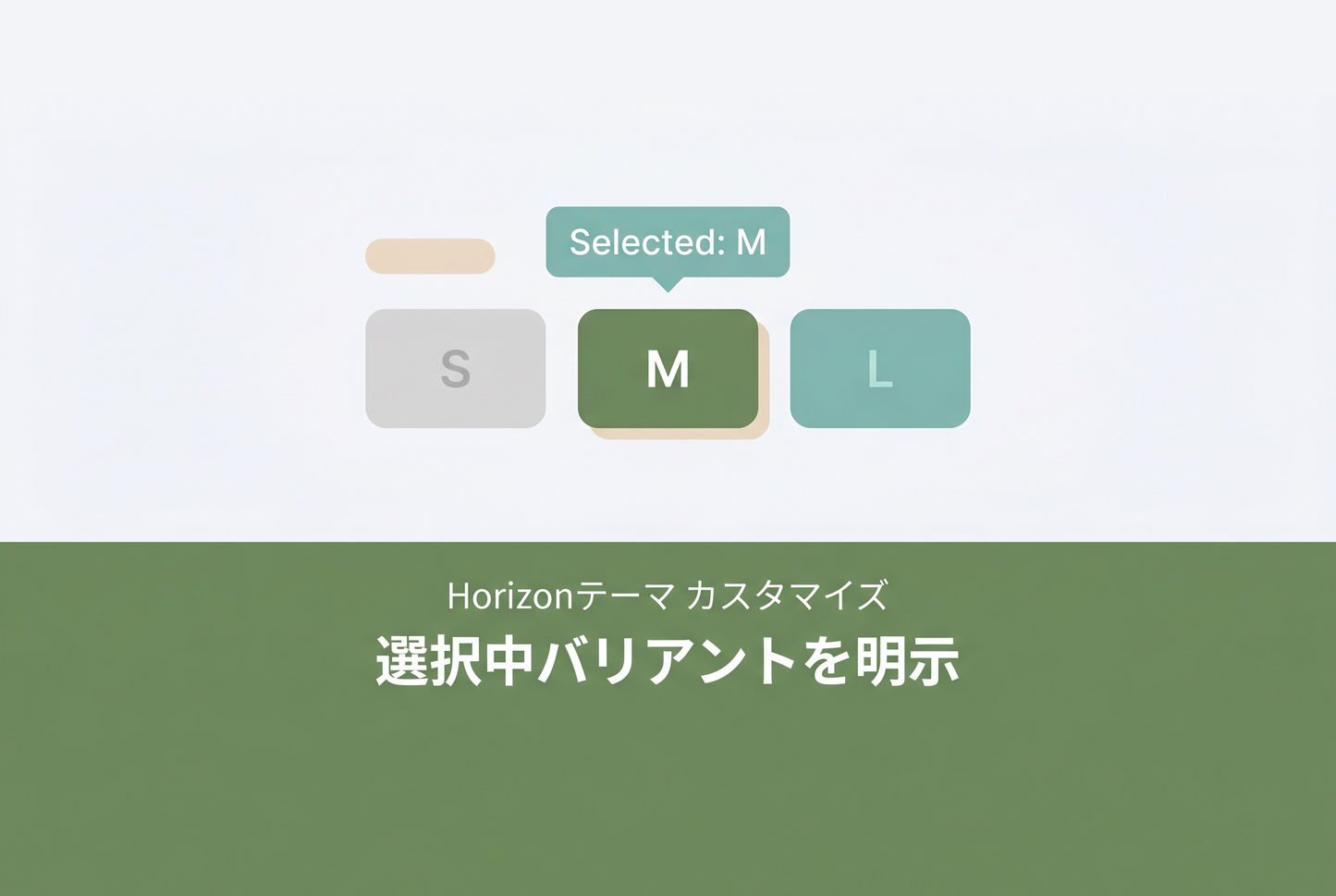
In the Horizon theme, when a variant picker uses the "buttons" style (e.g. for size or material options), the currently selected value is not displayed next to the option label. Color swatches show "Color Beige" by default, but text-only buttons rely on the visual focus ring alone. This 1-line fix extends the condition so the selected value also appears for buttons-style pickers.

How it works
In snippets/variant-main-picker.liquid, the <legend> block emits the selected value only when variant_style == 'swatch'. By extending that condition with or block_settings.variant_style == 'buttons', the same <span class="variant-option__swatch-value"> is rendered for buttons-style pickers as well, reusing the existing swatch CSS.
File to edit
| File | Operation |
|---|---|
snippets/variant-main-picker.liquid |
Edit L81 (extend the condition with or block_settings.variant_style == 'buttons') |
The change

Only the snippet or block_settings.variant_style == 'buttons' is added. Dynamic updates on variant change are handled automatically by Horizon's native section rendering — the <legend> is morphed in along with the rest of the picker — so no JavaScript is required.
Caveats
This patch edits a vendor file (snippets/variant-main-picker.liquid) directly. Because it changes Liquid conditional logic, the external-asset pattern recommended in our Horizon-safe customization guide is not applicable here.
If the Horizon theme is updated and overwrites this file, the fix may be reverted. Re-apply after each theme upgrade. Tracking the change in Git makes conflicts visible early.
Related: the equivalent technique for Dawn → Show selected variant when using buttons-style picker (Dawn)
![[Dawn] Example of setting to "reveal selected variant" when variation picker is button type in Shopify theme "Dawn"](http://store-dojo.com/cdn/shop/files/2023-05-12.png?v=1736516229&width=533)

![[MetaSync] Hide Extra Sign-up Form Fields Behind an Expand Button to Reduce Form Friction](http://store-dojo.com/cdn/shop/files/2026-09-08_en.png?v=1788839371&width=533)

