

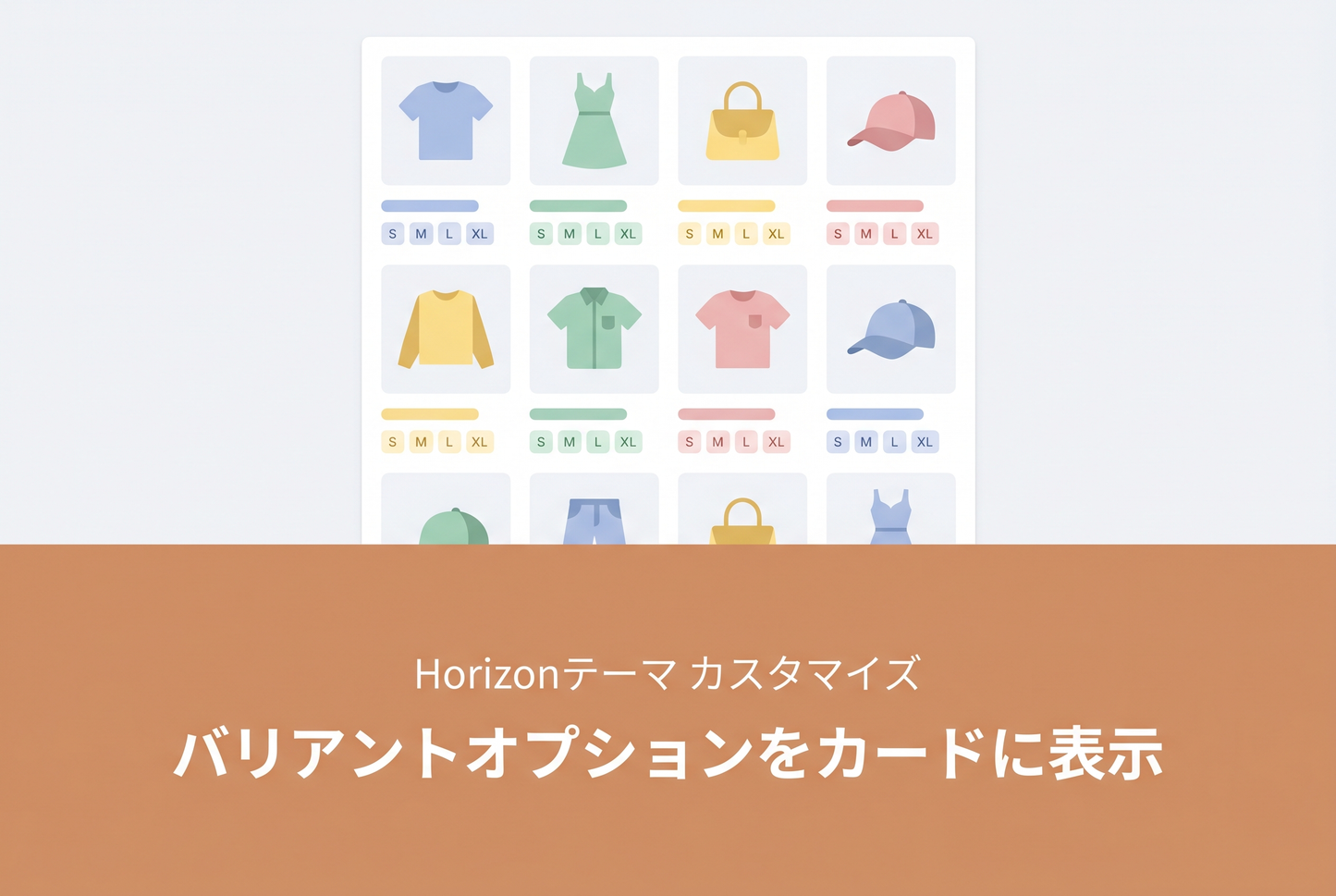
A private block implementation for Horizon theme that displays text-based variant options (size, material, etc.) as pills on collection page product cards — the standard Swatches block only handles color swatches. Add the block to product cards and all variant options appear as tags at a glance.


Features
- Add as a "Variant Options" block anywhere in the product card
- Specify option names to exclude (comma-separated) to avoid duplicating what Swatches already shows
- Products with a single "Default Title" variant are automatically hidden
- Customize pill background color, text color, border color, font size, and padding from the theme editor
Files to Add / Edit
blocks/_variant-options.liquid (new file)

blocks/_product-card.liquid (add 1 line near L44)
Add {"type": "_variant-options"} to the blocks array in blocks/_product-card.liquid schema to make the block appear in the theme editor's "Add block" menu.

Related: [Dawn] Display Variant Options as Buttons on Collection Page Product Cards
![[Dawn] How to Display Product Variations on Collection Pages in the Shopify Theme "Dawn"](http://store-dojo.com/cdn/shop/files/2023-05-20.png?v=1736644051&width=533)
![[MetaSync] Hide Extra Sign-up Form Fields Behind an Expand Button to Reduce Form Friction](http://store-dojo.com/cdn/shop/files/2026-09-08_en.png?v=1788839371&width=533)


