

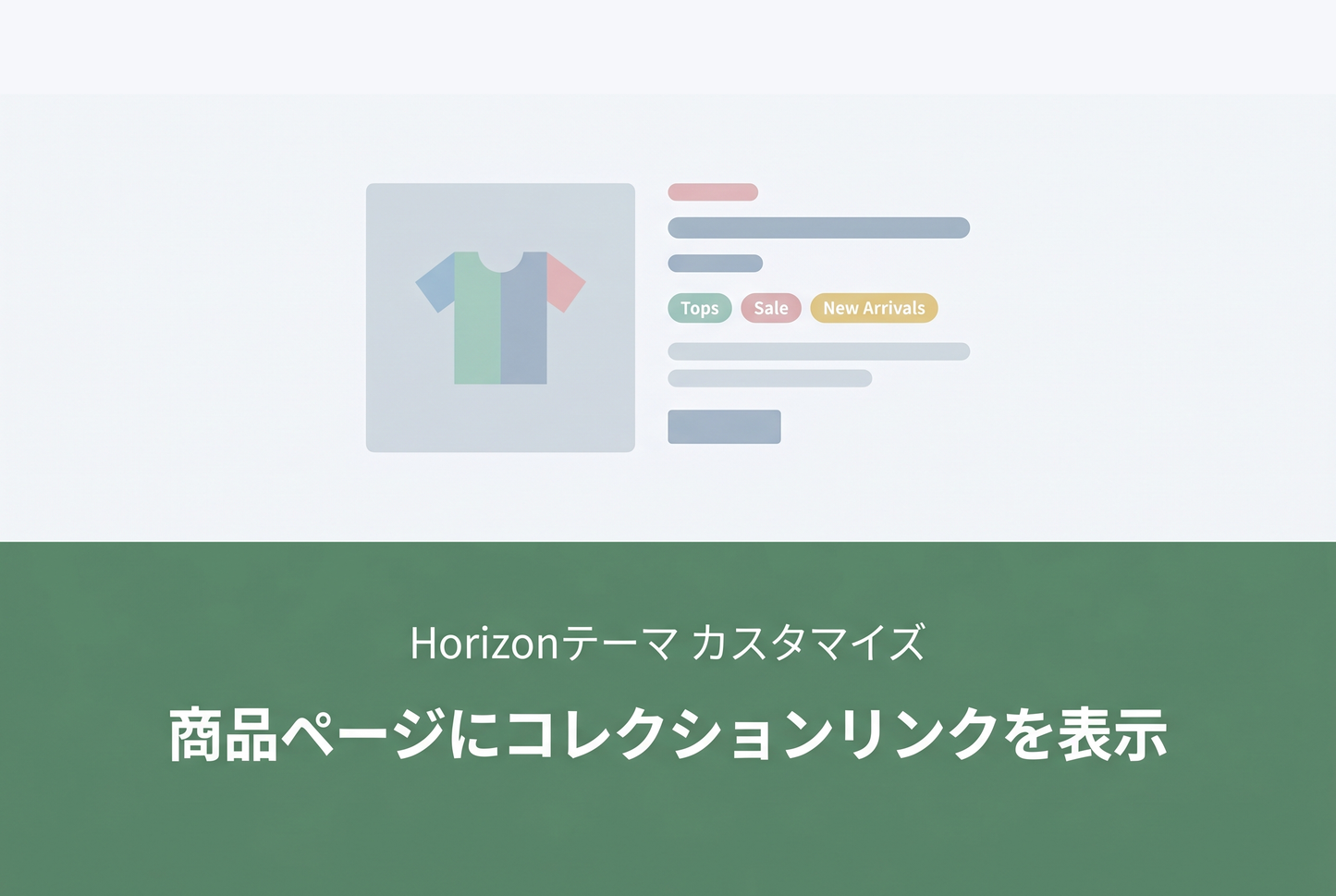
An example setup for displaying collection links as pills on Horizon theme product pages — showing which collections the product belongs to. Add it through the theme editor without writing any code, and use it as a navigation aid to encourage browsing across collections.

Setup Instructions
Add a Custom Liquid block to the detail block of the product template and insert the code.

Code to Add

The "all" and "frontpage" collections are automatically excluded. You can change the label text by editing "この商品を含むコレクション" in the code.
Related: [Dawn] Display Collection Links on Product Detail Page
![[Dawn] How to display a link to the collection a product belongs to in product details in Shopify](http://store-dojo.com/cdn/shop/files/2023-05-28.png?v=1736688332&width=533)

![[MetaSync] Hide Extra Sign-up Form Fields Behind an Expand Button to Reduce Form Friction](http://store-dojo.com/cdn/shop/files/2026-09-08_en.png?v=1788839371&width=533)

