Skip to product information
【Dawn】Shopifyのテーマ「Dawn」で購入時にアカウントログインを必須にした場合、カート画面にログイン/登録導線を表示してそのまま購入手続きに進ませる方法
Published:2023.06.19

[Dawn] If you require an account login when purchasing with the Shopify theme "Dawn", how can you display a login/registration guide on the cart screen and allow users to proceed directly to the checkout process?

用途

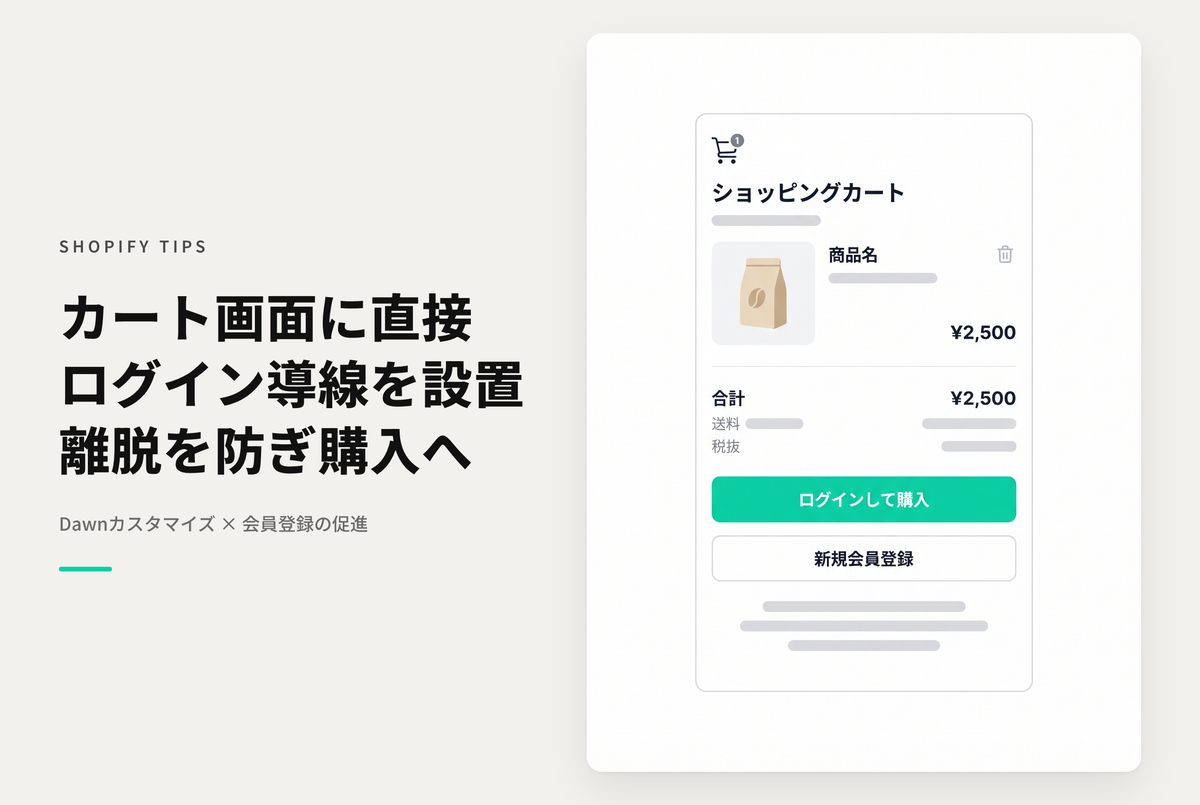
If you require login before purchasing on Shopify, by default when you proceed with the purchase from the cart screen if you are not logged in, you will be redirected to the login screen. However, it would also be nice to display the login and membership registration guide on the cart screen from the start.


Modify the code in the setup steps "main-cart-footer.liquid" and "main-register.liquid"


After making a purchase (all items are ¥0), you will be able to view the sample code.

View store information

[Dawn] If you require an account login when purchasing with the Shopify theme "Dawn", how can you display a login/registration guide on the cart screen and allow users to proceed directly to the checkout process?

If you have already made a purchase, please login here.

Sample Codes

Test Theme :Dawn/Rise 15.2.0

① Modify the checkout button area of "main-cart-footer.liquid"

↗ Related Post

すべてのShopify TIPS

View all