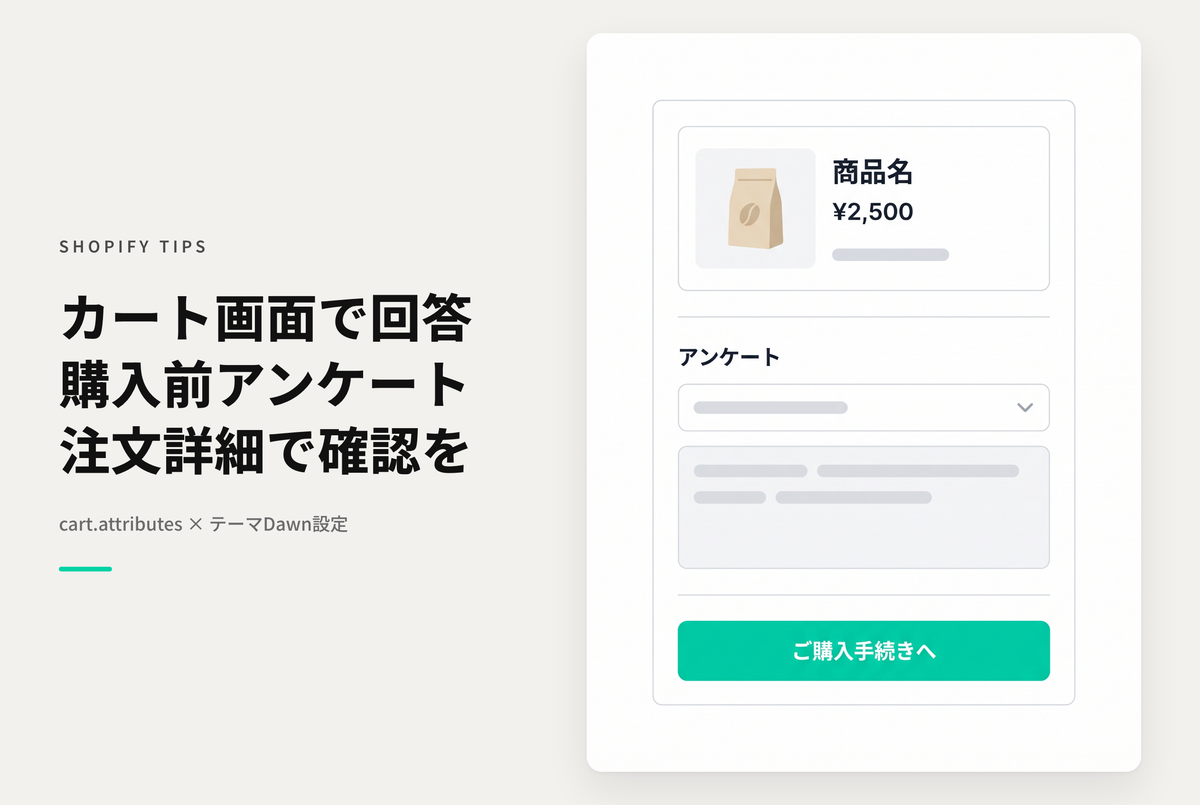
This is a survey section that is placed on the Shopify cart screen. You can check the answers in the order details.
By the way, StoreHero requires a more advanced survey app, so it is possible to conduct more advanced surveys. Please feel free to contact us for further information.
Example of setting to implement pre-purchase survey on cart screen (using cart.attributes)

[(For the Dawn theme) Setup procedure ①] Add a new unique section "cart-questionaire.liquid" (Code: Part 1)

[(For the Dawn theme) Setting procedure ②] Add a new unique section "cart-questionaire.liquid" (Code: Part 2)

[(For the Dawn theme) Setup step 3] Add the section added on the cart screen and set the survey items