Skip to product information
【Dawn】Shopifyでマイページに初回限定のクーポンコードを表示して利用促進しつつコードが使われたあとは非表示にしておく設定例
Published:2023.12.26

[Dawn] Example of setting up Shopify to display a first-time-only coupon code on your personal page to promote usage, but hide the code after it has been used

用途

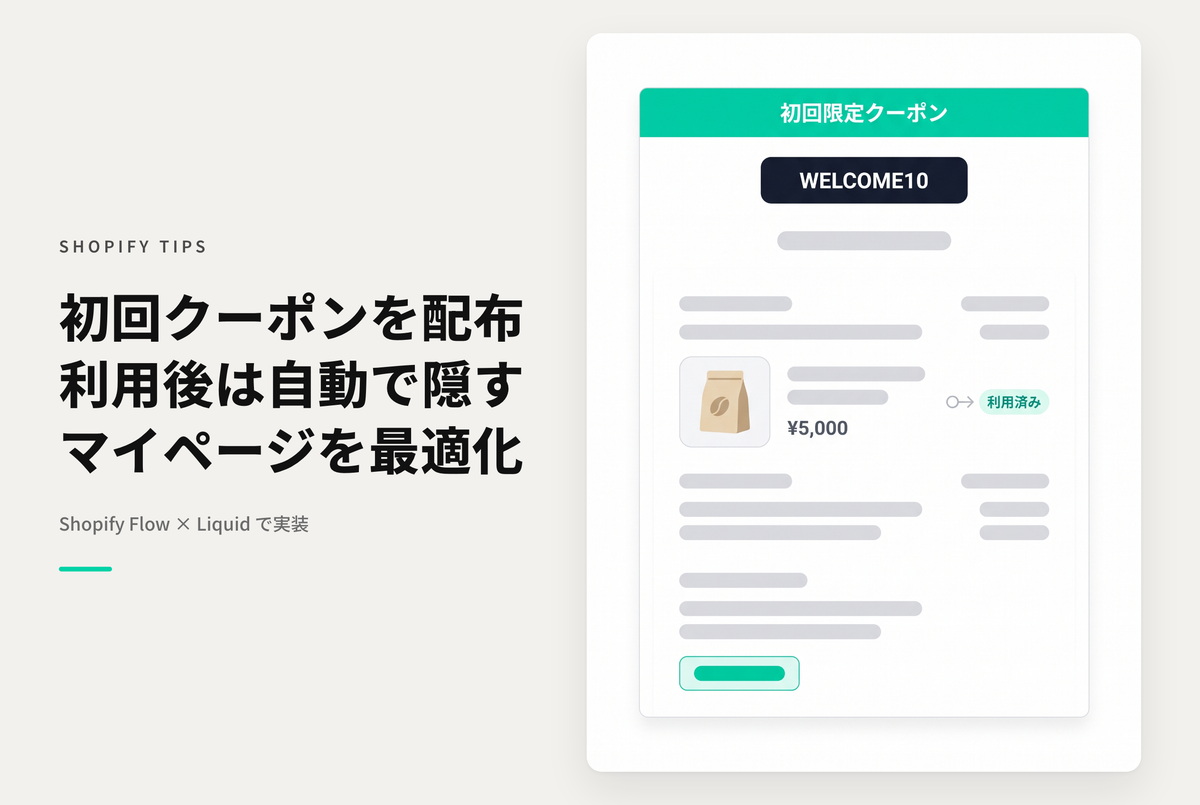
This is a setting example for displaying a coupon code as a member registration bonus on Shopify's My Page, but hiding the item once the coupon code has been used. Shopify Flow is used to tag the customer's coupon code usage history and determine whether or not the code was used.


Example of setting to display a first-time-only coupon code on your personal page to promote usage, but hide the code after it has been used.


[Setup Step 1] Create a Shopify Flow that will tag the customer as a "coupon used" flag when the target coupon code is used.


[Settings Step 2] Add customized Liquid to your My Page and insert the code


After making a purchase (all items are ¥0), you will be able to view the sample code.

View store information

[Dawn] Example of setting up Shopify to display a first-time-only coupon code on your personal page to promote usage, but hide the code after it has been used

If you have already made a purchase, please login here.

Sample Codes

Test Theme :Dawn/Rise 15.2.0

マイページにカスタマイズされたLiquidを追加してコードを挿入

↗ Related Post

すべてのShopify TIPS

View all