Skip to product information
【Dawn】Shopifyのテーマ「Dawn」で「単独購入不可」のタグを持つ商品だけのとき購入手続きに進むことができないようにする設定例
Published:2024.04.23

[Dawn] Example of settings to prevent customers from proceeding to checkout when there is only a product with the "Not available for purchase separately" tag in the Shopify theme "Dawn"

用途

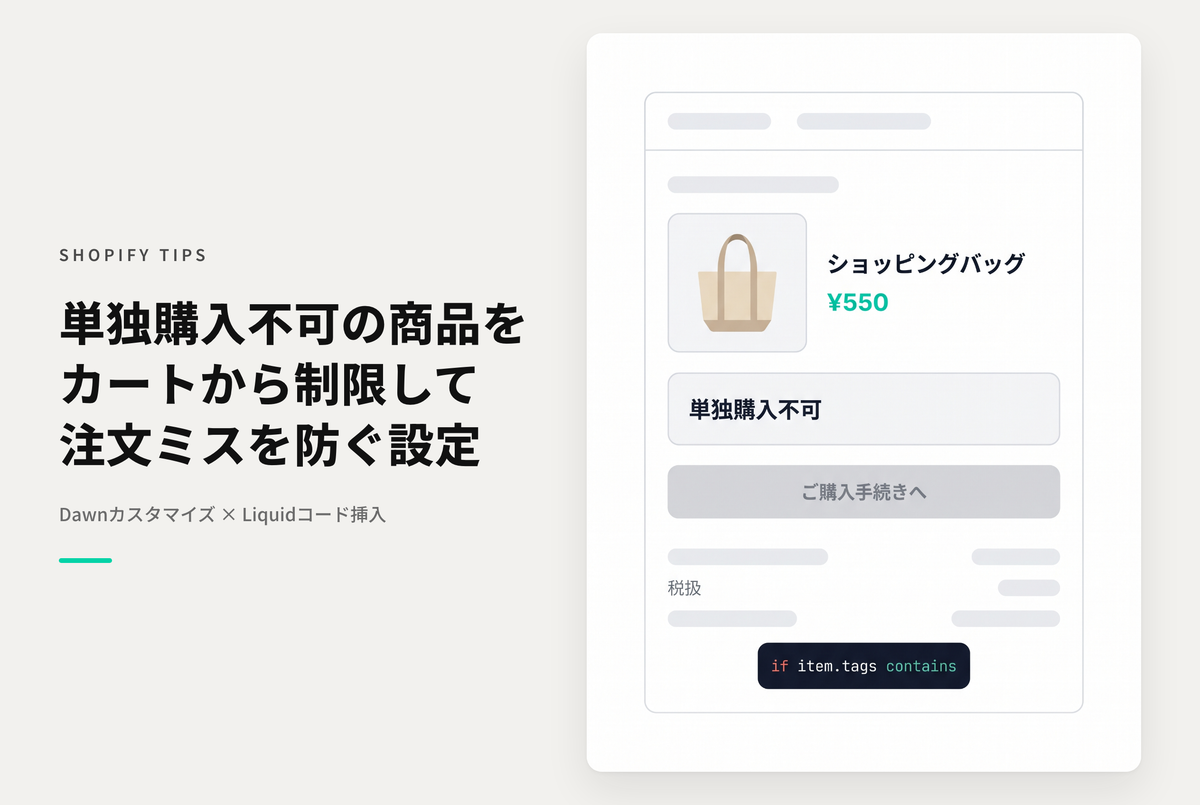
It can be a problem if only a certain product is purchased, such as in a shopping cart on Shopify. This is a setting example that allows you to add a special tag to a product, so that if only that product is in the cart, the customer will not be able to proceed to the checkout screen. (Dynamic checkout must be disabled.)


Example of setting to prevent users from proceeding to checkout when there is only a product with the tag "Not available for individual purchase" in the theme "Dawn"


[Setup Method 1] Add a customized Liquid section to the cart screen and insert the code


[Setting method ②] Add a "Cannot be purchased separately" tag to the target product


After making a purchase (all items are ¥0), you will be able to view the sample code.

View store information

[Dawn] Example of settings to prevent customers from proceeding to checkout when there is only a product with the "Not available for purchase separately" tag in the Shopify theme "Dawn"

If you have already made a purchase, please login here.

Sample Codes

Test Theme :Dawn/Rise 15.2.0

Add a customized Liquid section to your cart screen and insert the code

↗ Related Post

すべてのShopify TIPS

View all