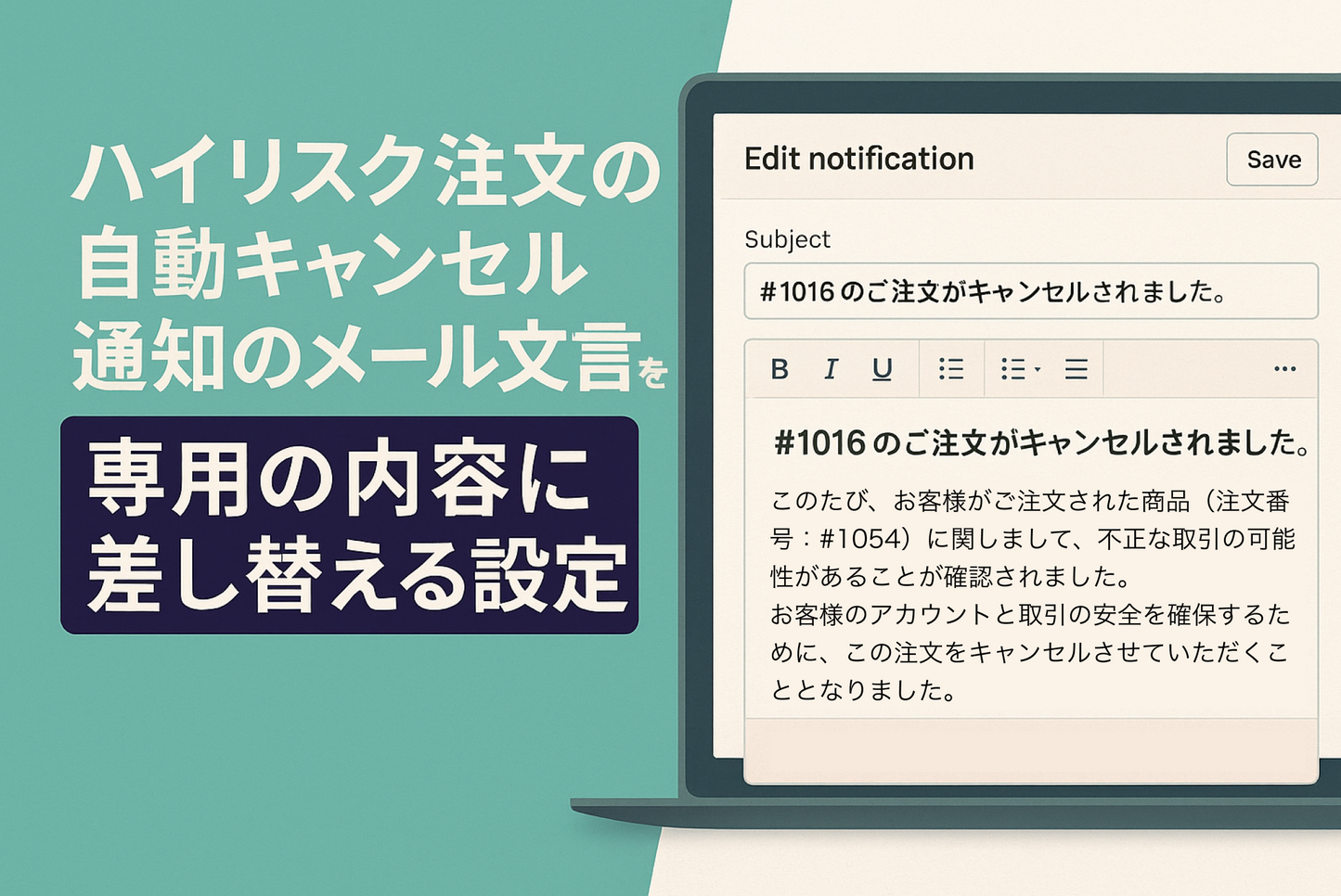
To avoid chargebacks, we sometimes use the "Cancel high-risk orders" template provided by Shopify Flow. In such cases, we often want to replace the wording of the cancellation notice with more appropriate content. This is an example of how to do this.
Template "Cancel high-risk orders" Flow: Example of replacing the cancellation notification email text with special content

[How to set it up] Go to "Settings" > "Customer Notifications" > "Edit Order Cancellations" to open the editing screen and change the text of when 'fraud' to anything you like.