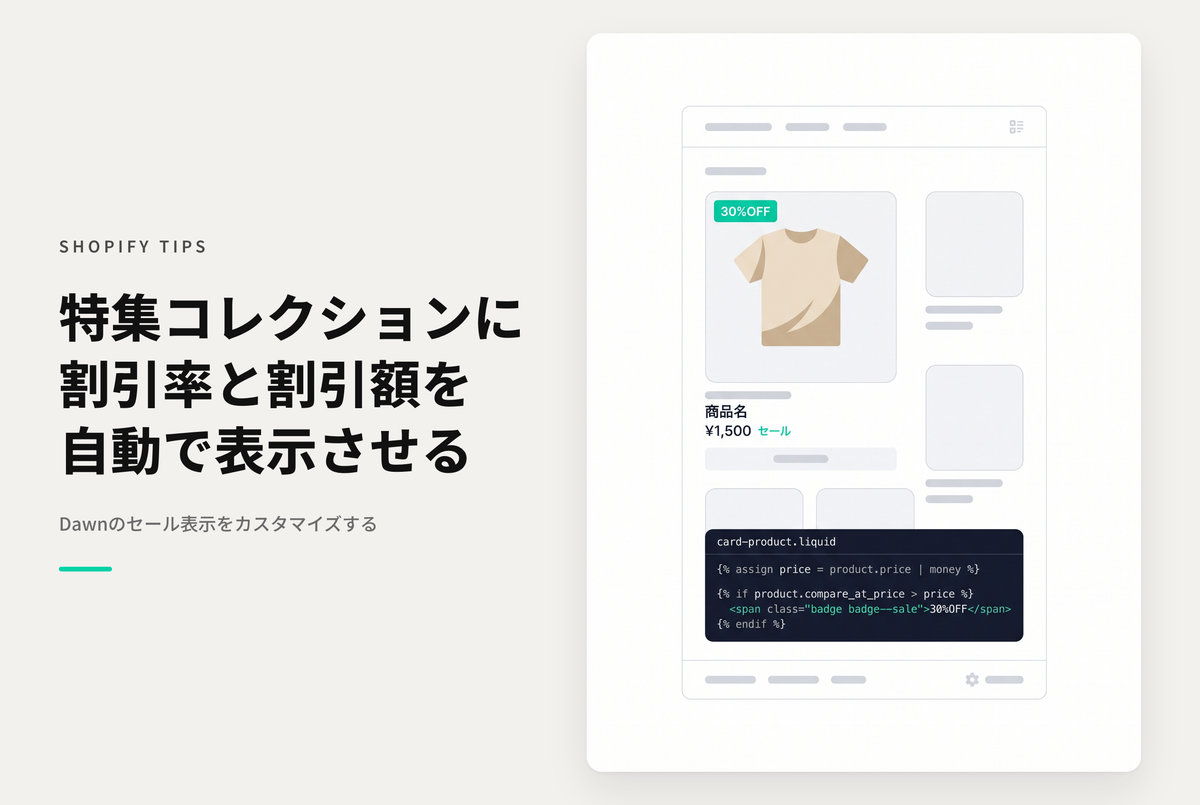
If you have configured the collection page of the Shopify theme "Dawn" to display "Discount Rate" and "Discount Amount" labels for sale items (https://store-dojo.com/products/2025-06-20), you can make them appear in the "Featured Collections" section with a little work.
Example of settings to display "discount rate" and "discount amount" for sale items in the featured collection section of the theme "Dawn"

[(For the Dawn theme) Setting method ①] Add the schema to "featured-collection.liquid" and the label to "ja.schema.json"

[(For the Dawn theme) Setting method ②] Add code to "featured-collection.liquid" and "card-product.liquid"

[(For the Dawn theme) Setting method 3] Select "Display discounts" in the settings of the "Product Grid" section of the collection template