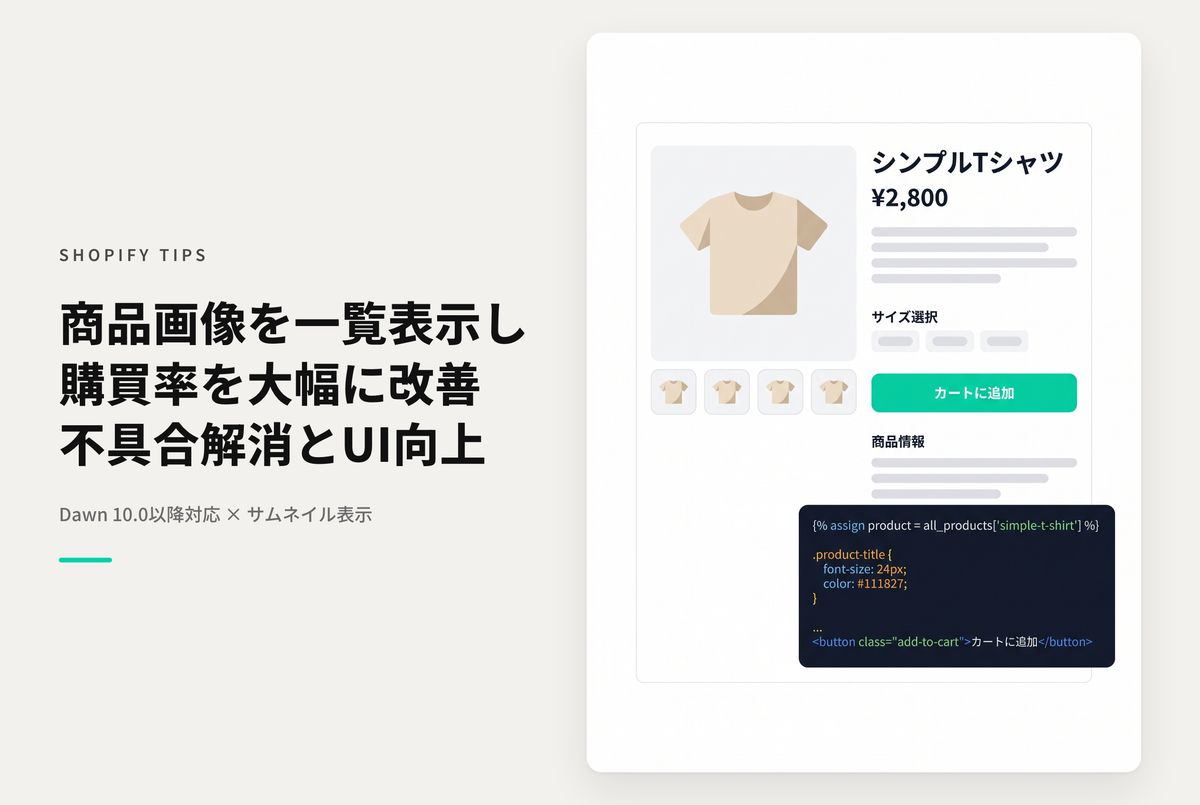
This is an example of how to display product images in a list for quick access using the Dawn/Rise theme.
◆ Benefits of implementation ・Increase in user understanding of the product, which increases the purchase rate (When there are a large number of product images, users can quickly access the images they want to see)
- Fixed issues with Dawn 10.0.0 and later
◆Settings ① Product template settings ・ Change desktop & mobile to thumbnail display ② Add a custom Liquid section to the product template ・ Insert the dedicated code
How to display a list of product images on the product detail page of the theme "Dawn" (fixing issues with Dawn 10.0.0 and above versions & also displaying in the desktop version)

[(For the Rise/Dawn theme) How to set it up] In the product information settings of the product template, set the desktop/mobile layout to thumbnail display, add a customized Liquid section, and insert the code.

Code to insert ①: CSS

Code to insert ②: Javascript & HTML