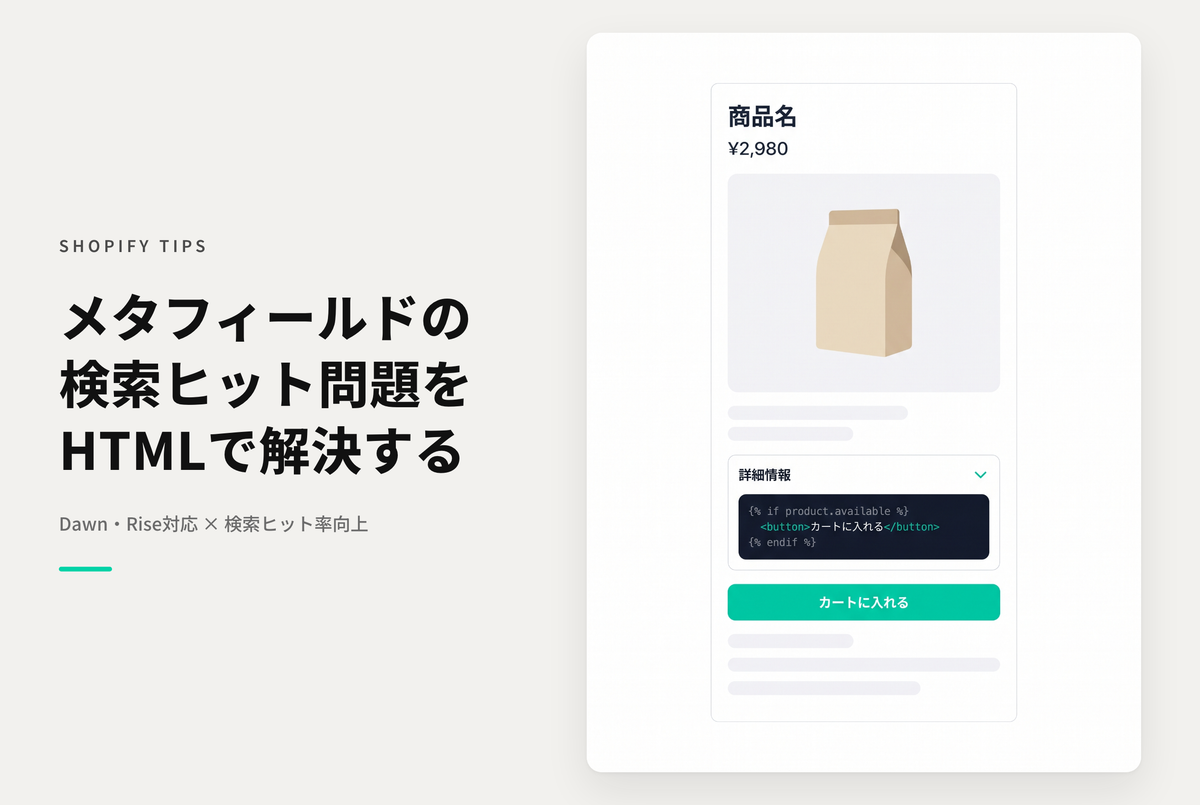
Pitfalls of using metafields: The problem of not finding results in in-store searches
Metafields are a useful feature, but you should be aware that anything you enter in a metafield will not be included in in-store searches.
Therefore, if you want your product to appear in in-store searches, it may be better to include the HTML code directly in the product description rather than linking the Rise/Dawn theme's "Collapse Row" block to a meta field.
◆How to set up Enter the information directly in the product description field → It will become searchable and will appear in in-store searches.
Use the HTML code as is -> By reusing the code for "collapsible rows" as is, you can post the content without losing its appearance.
◆Benefits of implementation ・When a viewer looks at a product description, the information can be easily organized in collapsible rows, and it is expected that the product discovery rate will improve.
Please note that if you link metafields to the "Collapsible Row" block on the product detail page of the "Dawn/Rise" theme, they will not be found in store searches.

[(For the Rise/Dawn theme) Example of a measure to make your site appear in in-store searches] Entering the HTML code for "collapsible rows" in its entirety into the product description

It is listed in the product description, so it will be searchable within the store.