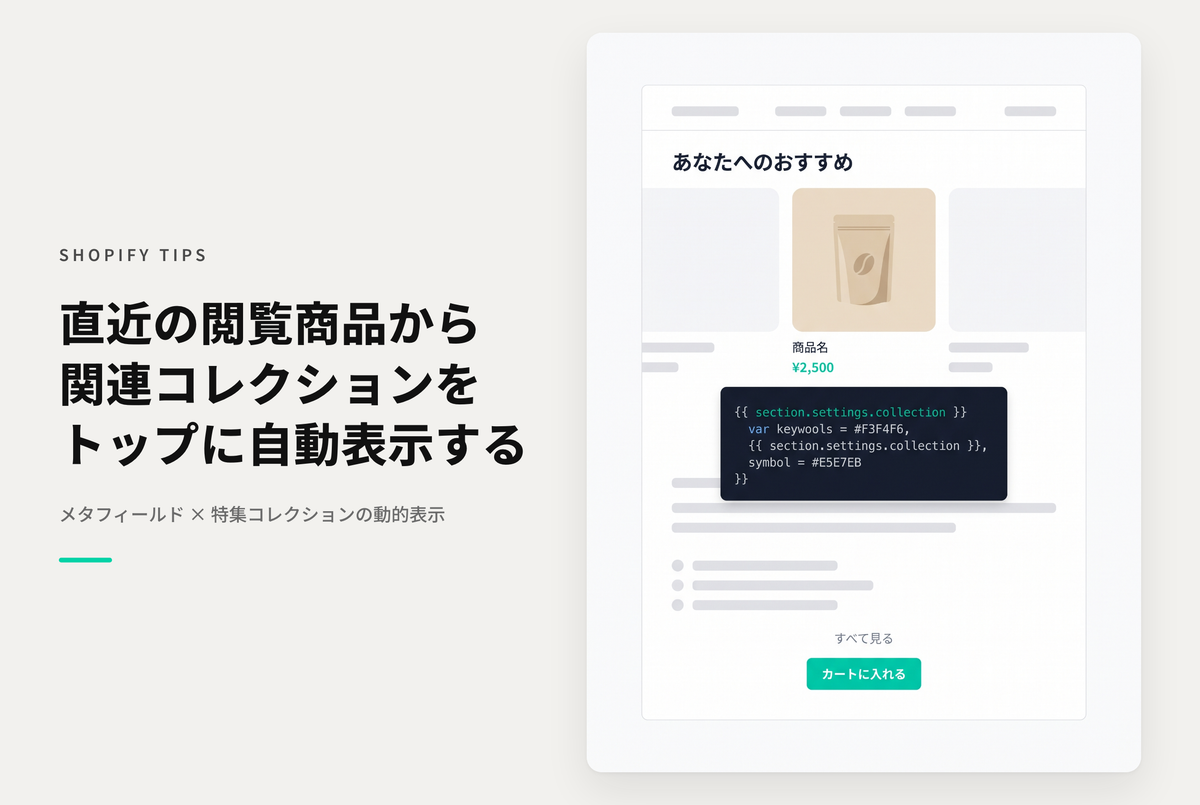
This is a method for automatically switching and displaying related collections of the last product viewed on the home page, etc., using the theme "Dawn/Rise."
Unlike product browsing history, displaying collections related to a product increases the chances of capturing a user's interest.
◆ Benefits of implementation ・Stimulates purchasing desire by displaying related collections ・Improves user browsing and can increase purchase rates ・Opportunity to increase sales through product cross-selling effect
◆ 3 specific steps ① Setting metafields ・Create a metafield definition for related collections ・Link the collection you want to display to the target product ② Modify the code ・Edit "sections/featured-collection.liquid" ・Add settings for dynamic display ③ Final adjustments ・Add code to "sections/main-product.liquid" ・Turn on "Featured Collections" in the theme editor
An example of how to automatically switch and display the collection related to the last viewed product on the home page, etc., using the theme "Dawn/Rise"

[(For the Rise/Dawn theme) Setup method ①] Create a product metafield definition to specify the related collection and specify the collection of the target product.

[(For the Rise/Dawn theme) Setting procedure ②] Modify the code in "sections/featured-collection.liquid"

[(For the Rise/Dawn theme) Setup step 3] Add the code to "sections/main-product.liquid", set up "Featured Collection" in the theme editor, and turn the setting "ON"