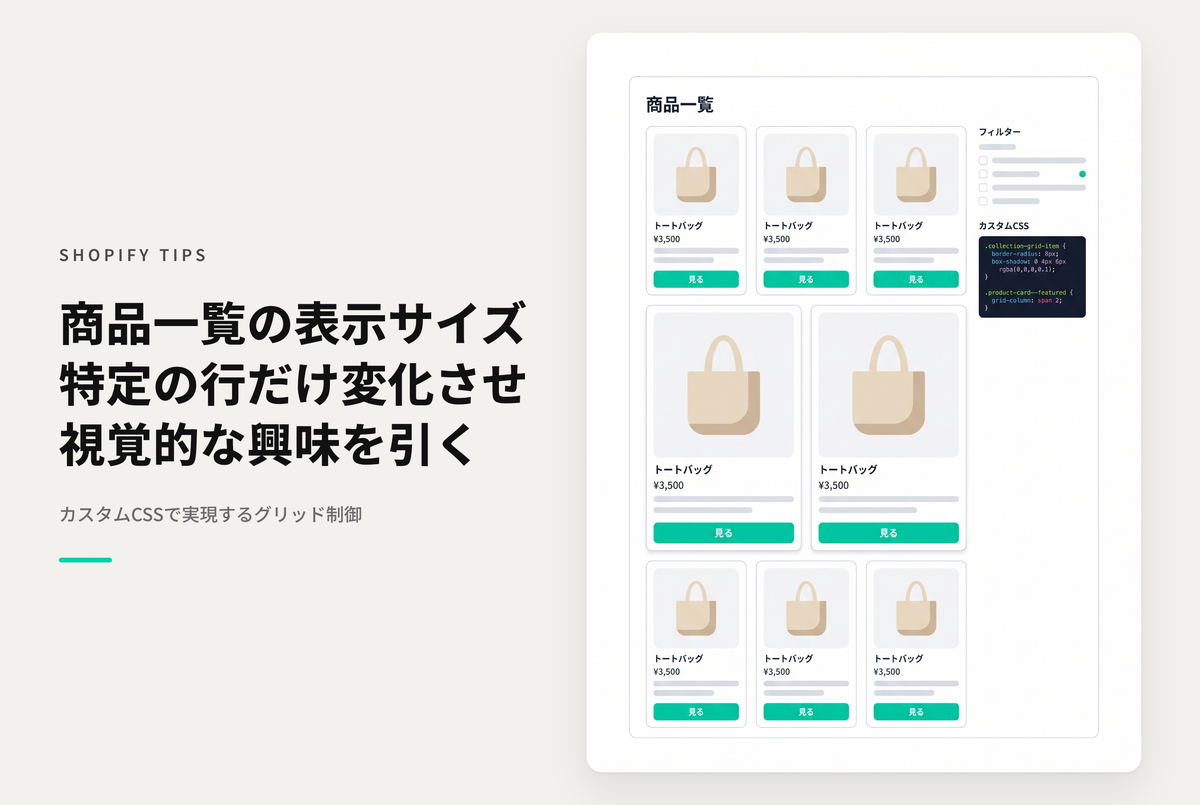
On collection pages with a large number of products, a well-balanced display can be effective.
Varying product sizes on specific rows can add visual interest and make your store more appealing.
◆Benefits of implementation: It adds a sense of contrast to how the product is displayed, making it easier to attract users' interest.
◆Specific steps ・Open the product grid section of the collection template ・Add the necessary styles to the custom CSS items
Example of setting up the collection page of the theme "Dawn/Rise" to vary product sizes for specific rows

[(For Rise/Dawn Themes) How to Set Up] Collection Template: Adding Styles to Custom CSS for the Product Grid Section

[Additional Information] Other layout pattern style examples on the desktop