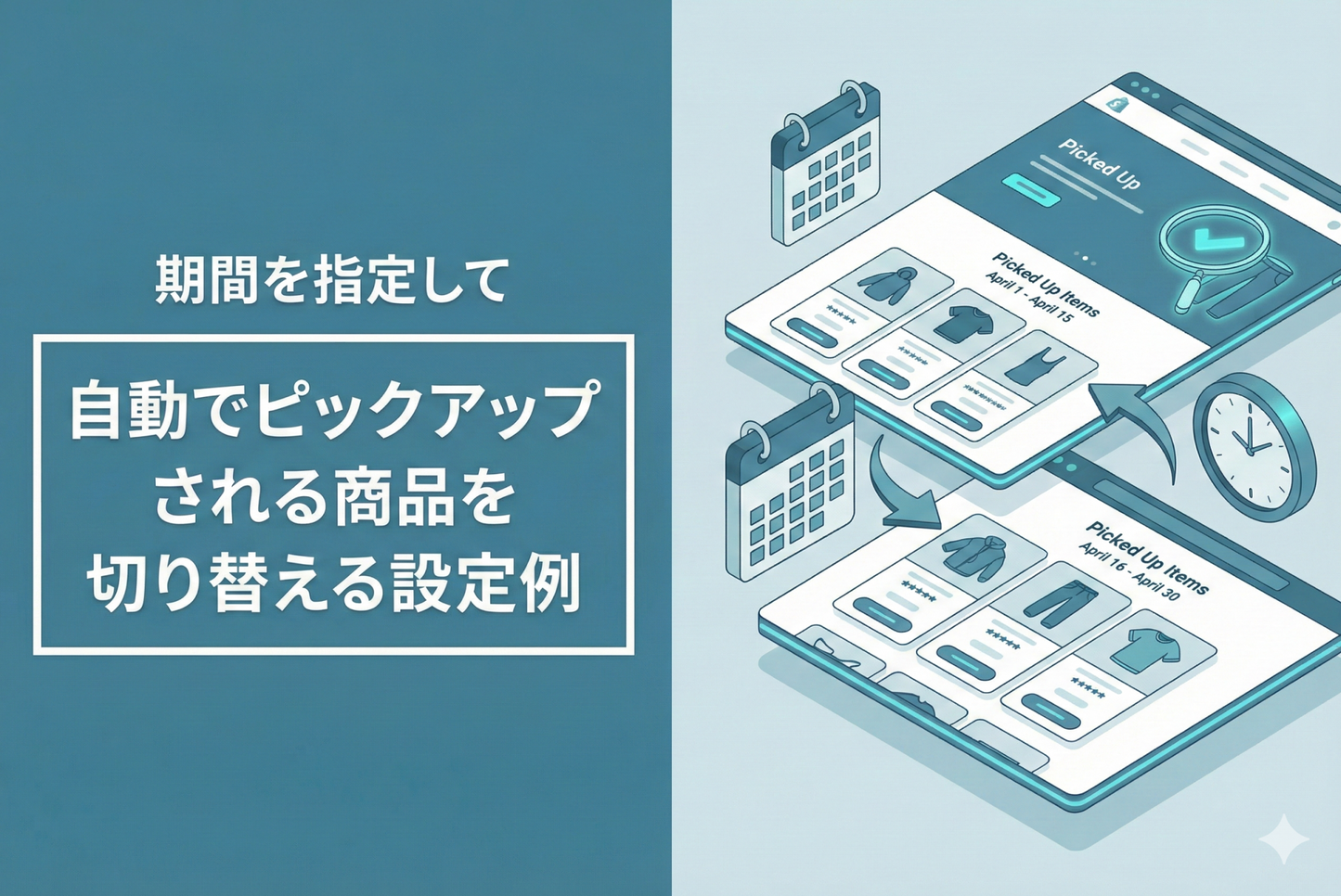
This method uses the Matrixify app to automatically switch featured products by specifying the display period using metafields for each product.
◆ Benefits of the settings: ・Reduces the workload of the person in charge ・Accurate switching even late at night or on holidays
◆Specific setup steps ①Create a metafield definition ・Create a field for the pickup start date and time ・Create a field for the pickup end date and time ②Create an automatic determination flow ・Set a daily schedule trigger ・Check the latest 100 products ・Automatically tag products within the period as "pickup" ③Set a smart collection ・Set to display "pickup" tag products ・Incorporate into the theme to complete ④Specify the product pickup start and end dates and times ・Set metafield values for the target products
◆Actual implementation examples:
・Switching seasonal product displays ・Managing the sales period of limited-edition products ・Display control of time-sale products, etc.
Example of setting to automatically switch the picked up products by specifying the pick-up period in the meta field

[Setting Step 1: Create a metafield definition] Create a field to specify the pickup start date and time and the pickup end date and time.

[Setting Method 2] Create a flow that uses a daily schedule trigger to determine the pickup period for the latest 100 products at a specified date and time and tag them accordingly.

[Setting Step 3: Create a Smart Collection] Create a collection that displays products with the "pickup" tag and set it as a theme