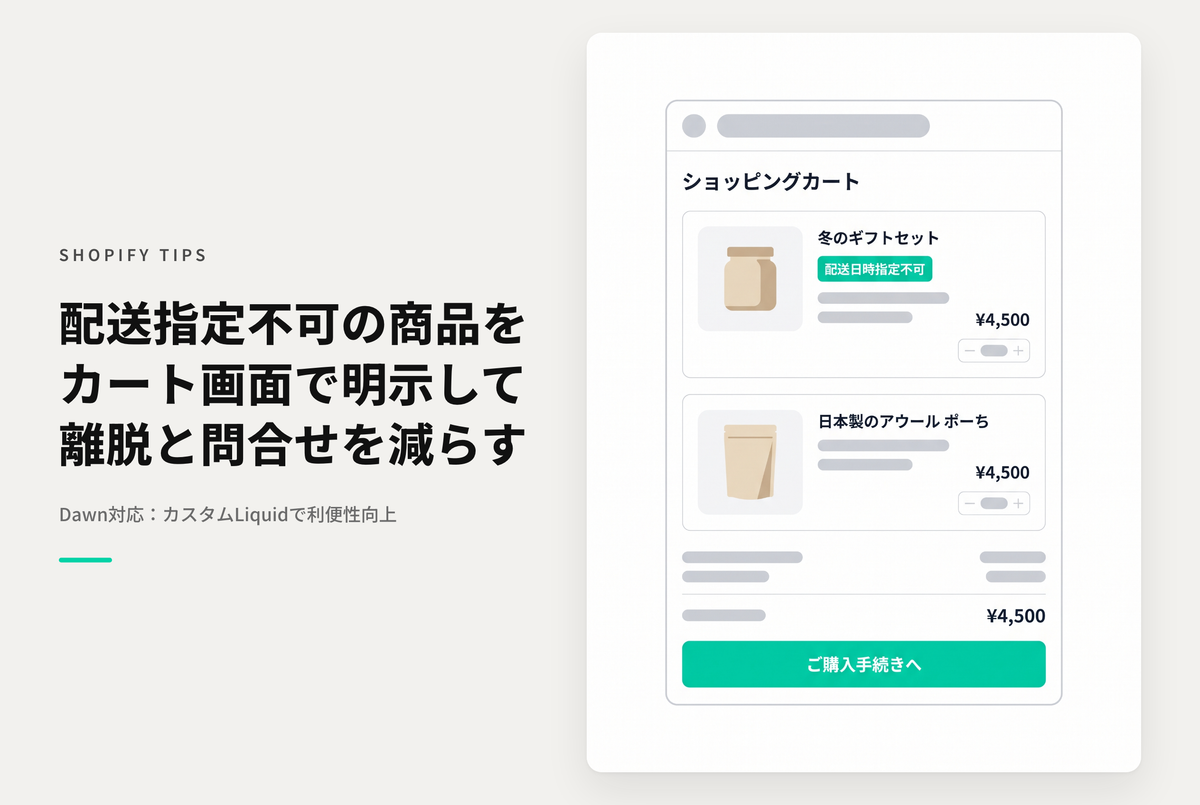
When using an app that allows you to specify a delivery date and time, if there are products for which a delivery date and time cannot be specified, this is a setting method to display which products are eligible for that date and time.
◆Specific benefits:
・By knowing immediately which products are eligible, it becomes possible to adjust products at the time of purchase. ・It is expected that the man-hours required for responding to inquiries will be reduced. ・It is expected that the rate of cart abandonment will be improved.
◆ Implementation steps ① Set tags for products that cannot specify a delivery date and time ② Add a custom Liquid section to the cart template of the Rise/Dawn theme and insert the code
Furthermore, if you are using Shopify Plus, you will likely be able to specify a delivery date and time on the checkout screen.
This setting allows customers to see products for which a delivery date and time cannot be specified on the cart screen, allowing you to respond to customer feedback that may be noticed at checkout.
Example of settings to clearly indicate products that are tagged as "Delivery date cannot be specified" on the cart page of the theme "Rise/Dawn"

[Setting method 1] Check the tag that says "Delivery date and time cannot be specified"

[Setup Method 2] Add a customized Liquid section to your cart template and insert the code