
![[Horizon] Show search term suggestions - EN thumbnail](http://store-dojo.com/cdn/shop/files/2026-04-16_en.jpg?v=1776355610&width=1946)
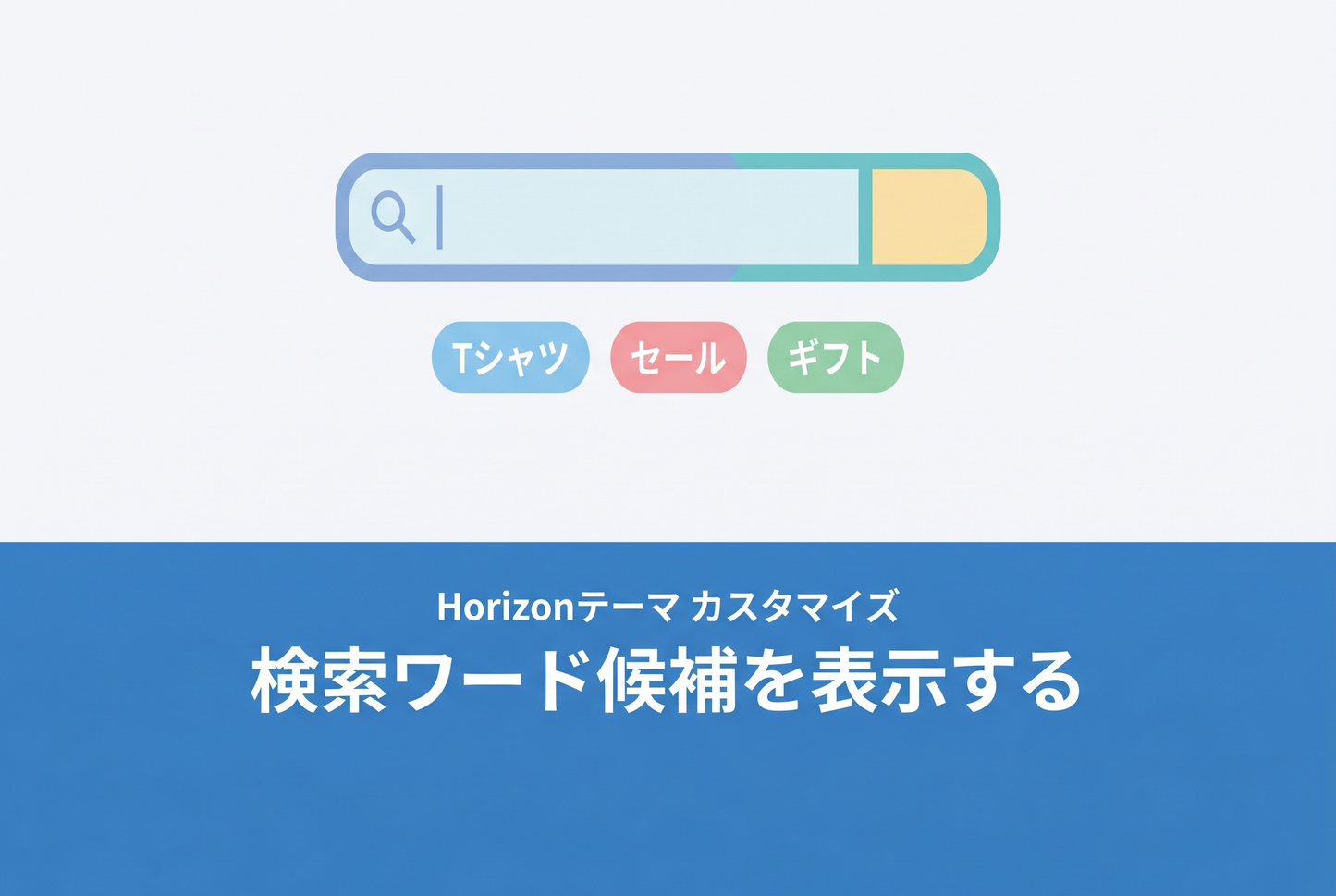
This is a method to display "popular search word" chip buttons in the Horizon theme's search modal. Simply paste the JavaScript into a Custom Liquid section — no changes to the theme's Liquid files required. For the Dawn version, see here.
Preview
When the search modal opens, keyword chips appear directly below the input field. Clicking a chip sets the keyword in the input and automatically triggers predictive search. Chips automatically hide when you start typing and reappear when the input is cleared.

Setup
◆ Add a Custom Liquid section
Open the theme editor and add a "Custom Liquid" section to the header group. Simply paste the sample code as-is and it will work.

◆ Customize keywords
Edit the SUGGESTIONS object at the top of the code to change the keywords.

The JavaScript uses a MutationObserver to watch the search dialog's open attribute and injects chips the moment the modal opens. Chips automatically hide when text is entered in the input field.



![[MetaSync] Hide Extra Sign-up Form Fields Behind an Expand Button to Reduce Form Friction](http://store-dojo.com/cdn/shop/files/2026-09-08_en.png?v=1788839371&width=533)

