

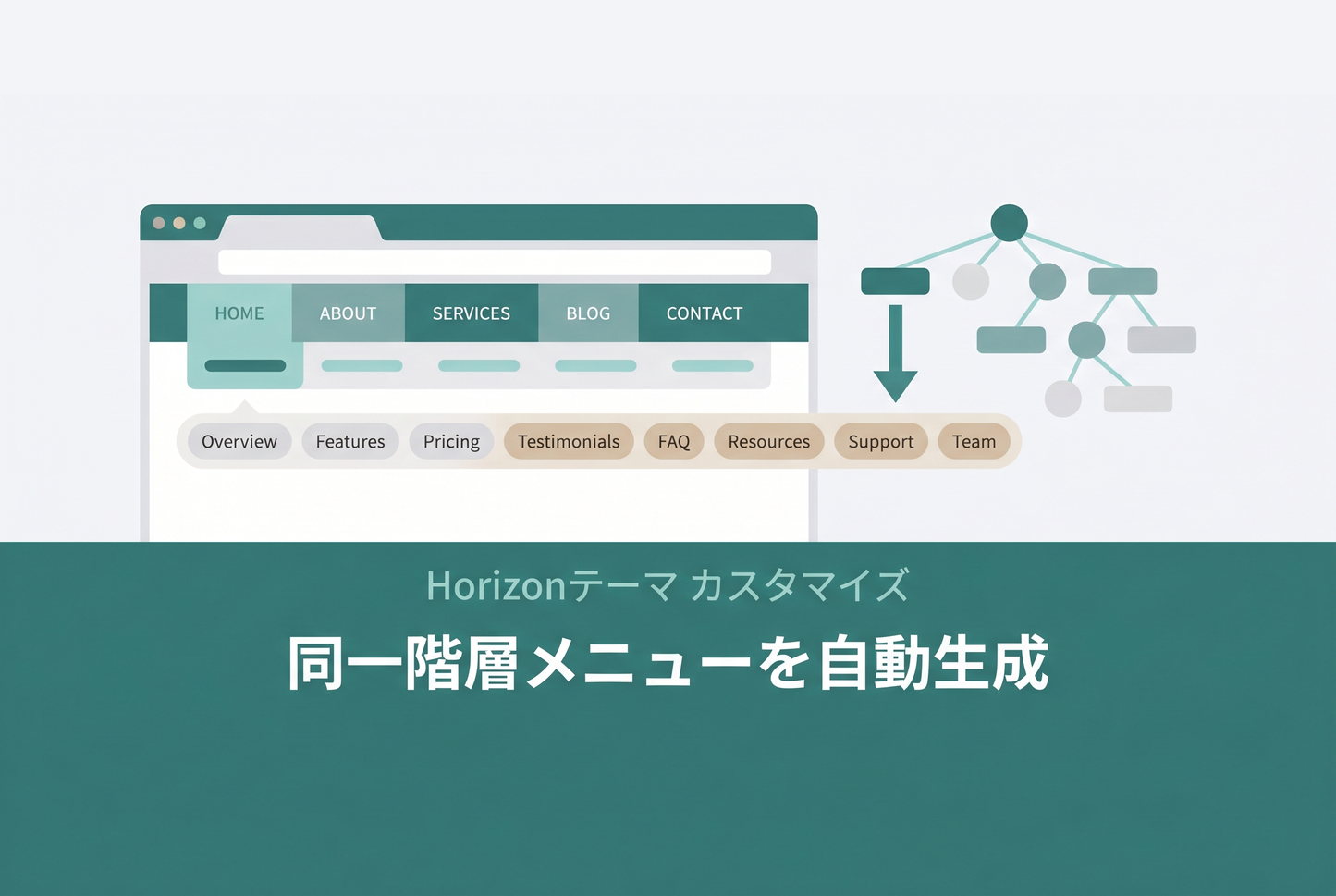
When your Shopify main menu is built out to a second or third level, moving between items on the same level still forces shoppers to reopen the menu every time — a small but real friction. This is how to make the Horizon theme automatically show a sub-menu that mirrors your main menu structure, so visitors can move across the same level with one tap.
Auto-generate a same-level (sibling) navigation menu from your main menu — Horizon theme

[Setup] Add a Custom Liquid section to the header group and paste the code

In Horizon the header is a "section group". In the theme editor, open the "Header" area, choose "Add section" > "Custom Liquid", and paste the code included with your purchase. That alone renders a horizontal sub-menu of the current page's sibling links directly beneath the header on every page.
The code is almost identical to the Dawn version — the only real change is a single CSS selector. Because Horizon wraps each section in a div (.shopify-section) instead of a section element, section:has(...) is replaced with .shopify-section:has(...). This preserves the original trick of showing the sub-menu only on pages that have siblings and hiding it everywhere else.
Dawn theme version: Auto-generate a same-level navigation menu from your main menu (Dawn)
![[Dawn] How to automatically generate a menu that allows navigation within the same hierarchy from the main menu in the Shopify theme "Dawn"](http://store-dojo.com/cdn/shop/files/2023-06-01.png?v=1736766510&width=533)


