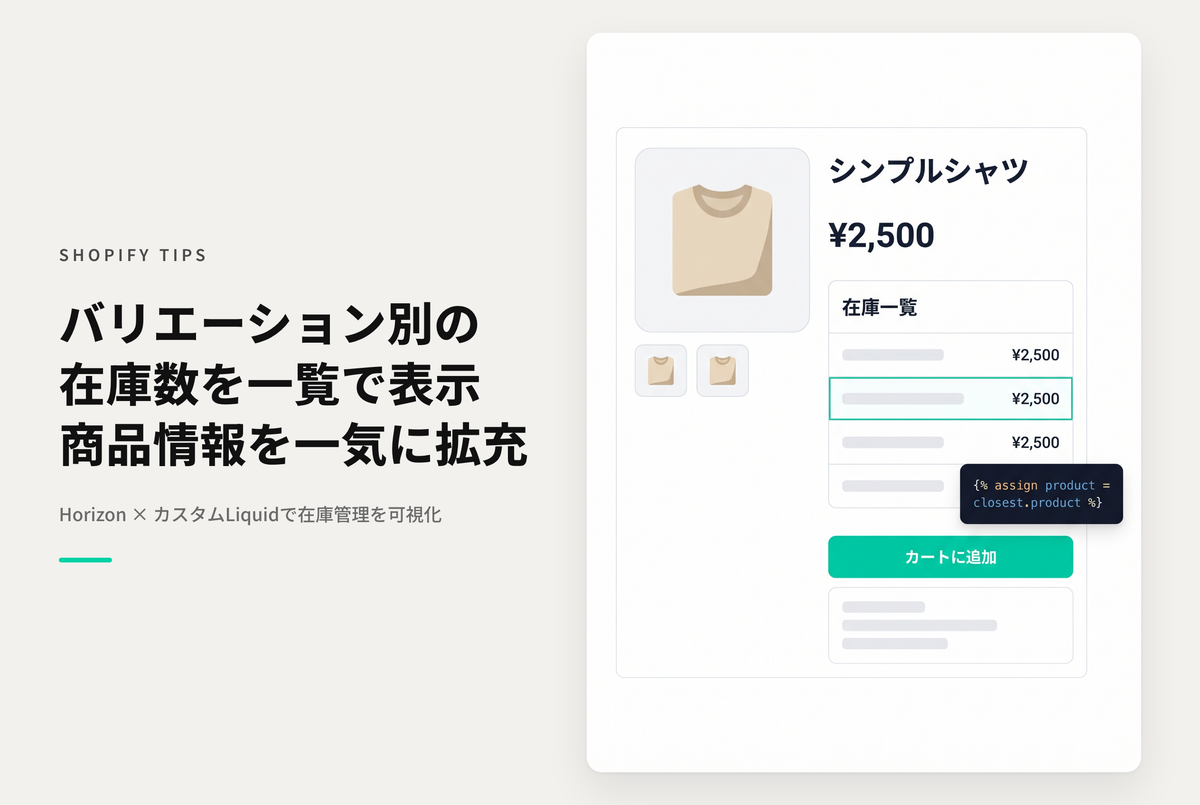
In Shopify you can combine one to three option types (such as size and color) into up to 100 variants per product, but once the combinations grow, checking the stock one by one becomes tedious. Here is how to show a per-variant inventory table on the product page in the "Horizon" theme. It also handles irregular variations where not every combination exists.
How to show a per-variant inventory table on the product detail page in the "Horizon" theme (also supports irregular variations)

[Setup] Add a Custom Liquid block to the product information section of the product template and paste the code

In Horizon, the product information section is built from blocks. Open the target product template in the theme editor, choose "Custom Liquid" from "Add block" inside "Details", and paste the code from your purchase. The per-variant stock quantities will then appear as a table.
This code is almost identical to the Dawn version — the only real change is a single line at the top. Because Horizon references the product via closest.product inside a block, the first line resolves product to closest.product (falling back to the bare product). Everything after that works exactly the same as the Dawn version.
The Dawn theme version of this TIPS is here: How to display a per-variant inventory table on the product detail page (Dawn)