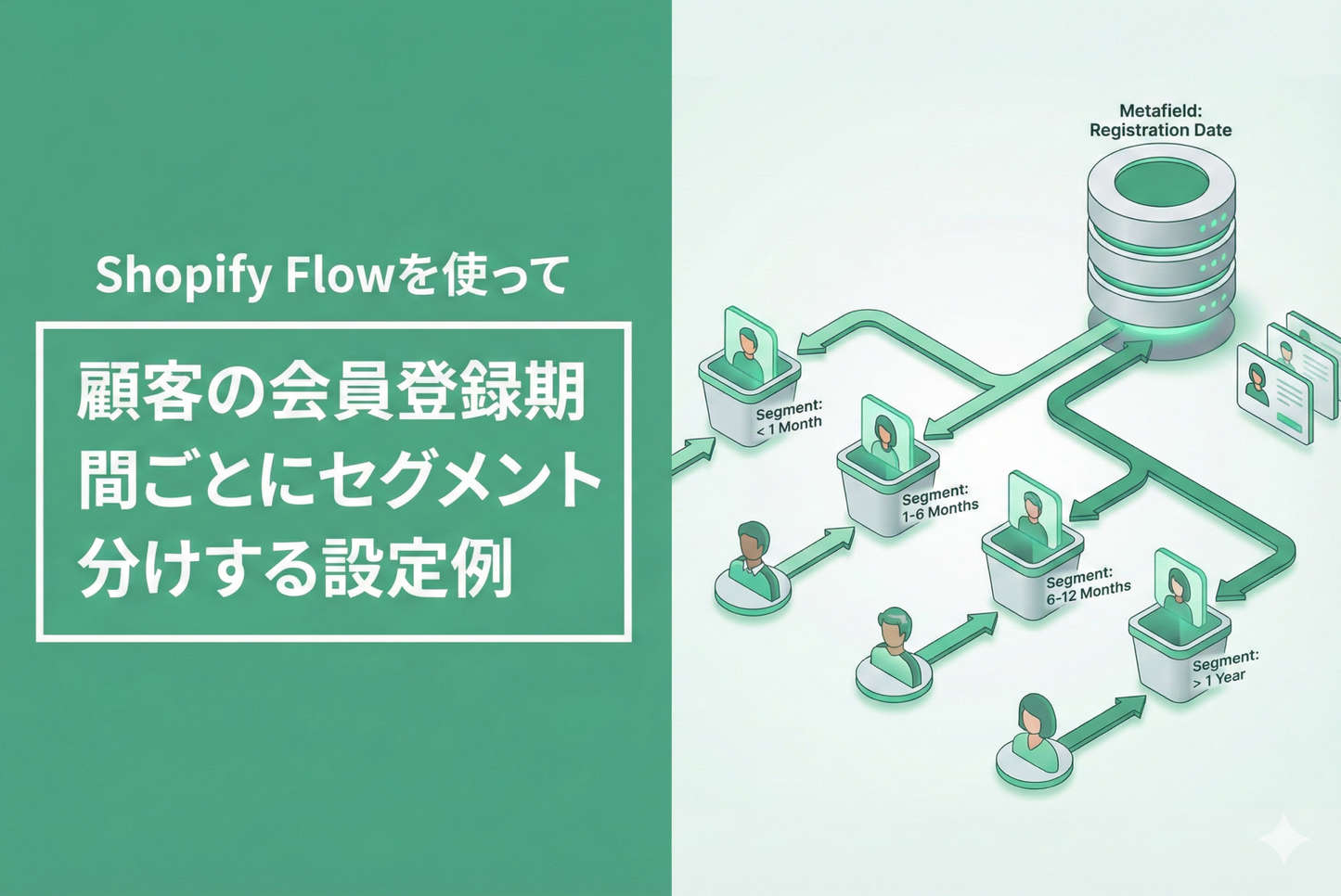
◆You can segment customers based on the length of time since they registered as a points member (1 year, 2 years, etc.) to implement more detailed marketing strategies. By combining metafields and Flow, you can automatically update customer segments.
◆Specific implementation steps ①Create a customer metafield ・Create a new metafield for customers from the admin screen ・Set "Account creation date" as the date type ②Create a Flow ・Trigger: When a customer account is created ・Action: Automatically set the creation date in the metafield ③Create customer segments ・Automatically determine by comparing with metafield values ・Set conditions in MECE for each segment, such as 1 year or 2 years
◆ Benefits of implementation ・Automate segmentation based on membership period ・Realize marketing based on customer membership period
◆ Common stumbling blocks ・Do not make mistakes when specifying the type when creating metafields ・Check the specifications for date calculations
◆ Points to check after implementation □ Check operation when registering a new member □ Accuracy of segment conditions □ Allocation of existing customers □ Check updates when crossing dates
Example of setting up Shopify Flow to segment customers by membership duration

[Setting Method 1] Set "Member Registration Date" in the customer meta field

[Setup Method 2] Create a Flow that sets the account creation date to the metafield created in Step 1

[Setting Method 3] You can now specify conditions based on customer metafield values, so you can create segments for each registration period.