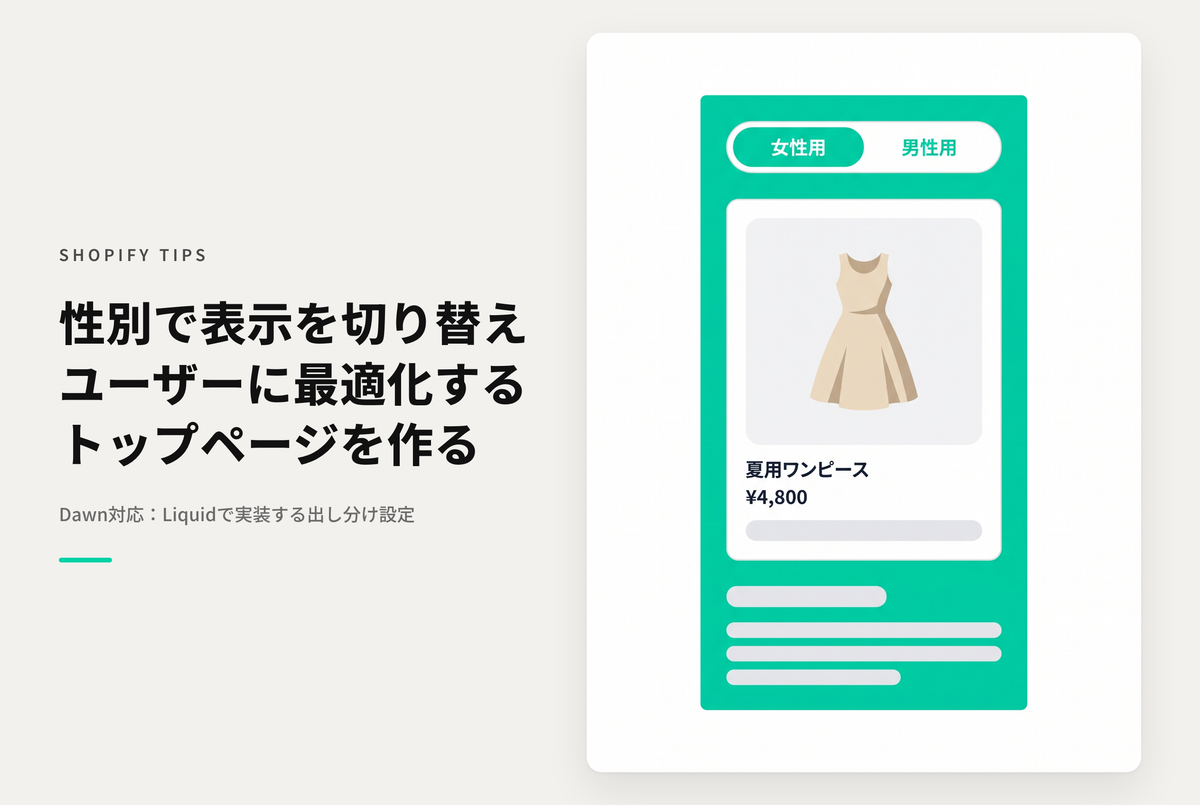
This is an example of how to set up a button to switch between female and male content in the Rise/Dawn theme.
After switching, your selection will remain even if you navigate around the store and return.
Also, for SEO reasons, instead of using CSS/js to toggle between display and non-display, the selection state is determined in the liquid code and the source code is hidden (by default, the women's version is displayed).
◆ Benefits of implementation ・Product suggestions tailored to user attributes are possible ・Page display speed is improved by completely hiding unnecessary content ・Duplicate content distribution to search engines is prevented
◆Specific steps ① Add items and processing for the content (section) you want to separate so that you can set the separation ② Set up a switch button to separate and maintain the state ③ Create the content to separate in the theme editor
An example of how to set up a female/male toggle button on the home page of the Shopify theme "Rise/Dawn" and display different content depending on the selected state.

[(For the Dawn/Rise theme) Setup procedure ①] For example, if you want to display different slideshows, add the schema to "sections/slideshow.liquid" and edit the code.

[(For the Dawn/Rise theme) Setup step 2] Add a customized Liquid section to the home page template and insert the code

[(For the Dawn/Rise theme) Setup Step 3] Turn on the settings for the slideshow you want to display separately for women and men, and set which one you want to display.